
Site Operations
Field site reports
Record what happened on site each day and which field tickets it covers.
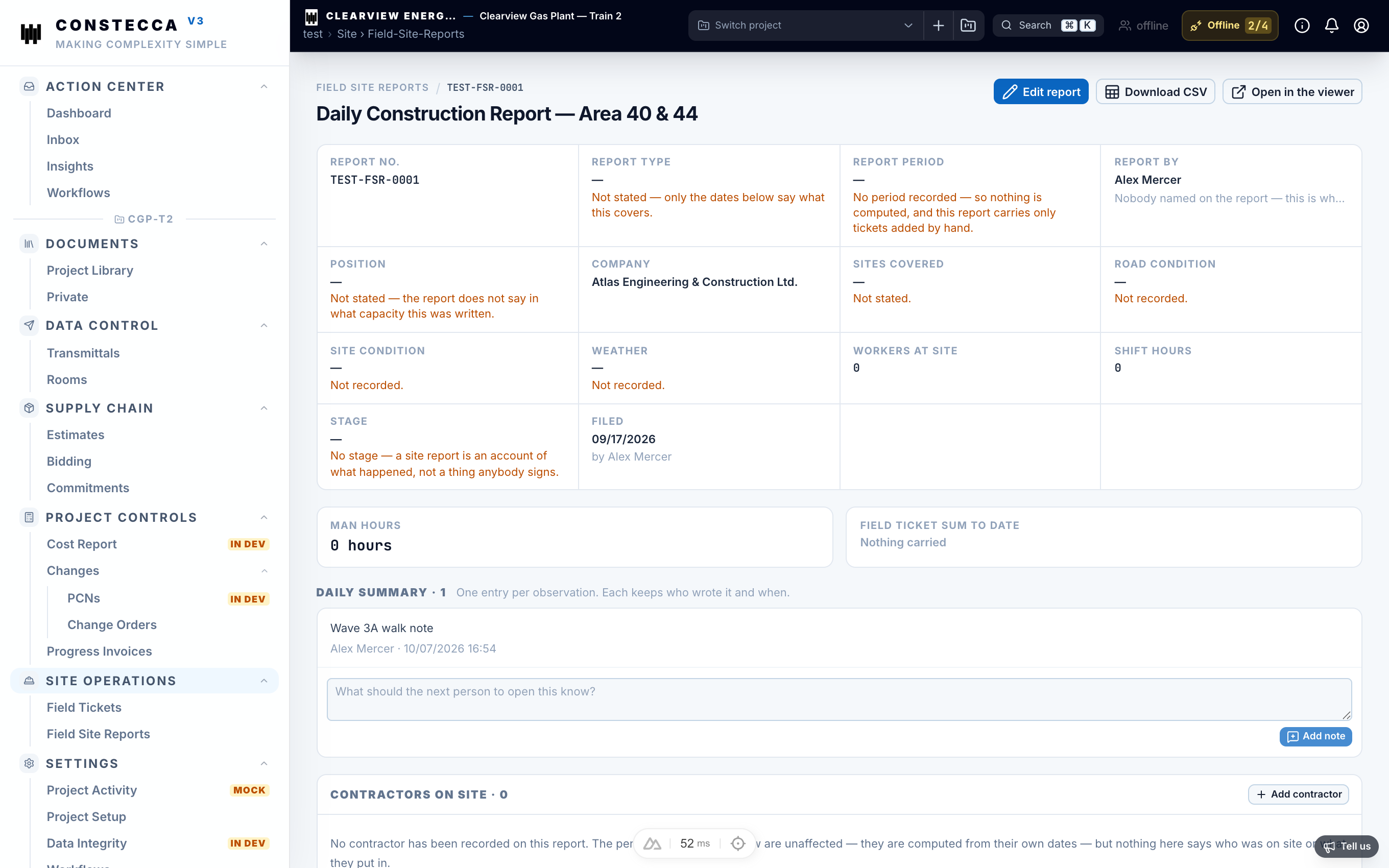
A field site report is the daily record from site. It says who wrote it, which sites it covers and what happened, and it lists the field tickets for that day.
Write a site report
Start the report
Go to Site Operations › Field Site Reports and click New.
Fill in the details
Submitted by
role
Your role on site, for example site supervisor.
Sites covered
text
The locations this report covers.
Summary
text
What happened: progress, issues, weather, visitors.
Add field tickets
Add the field tickets for the day to the report.
Save
Click Save. The report joins the project register with its own number.
Add a note
Open the Notes tab to add a comment or follow-up. Everyone with access to the report sees it.
Site reports do not go through an approval workflow.
If you delete a field ticket, it also disappears from any site report that lists it.