
Site Operations
Field tickets
Record a supplier's time and materials on site against a commitment.
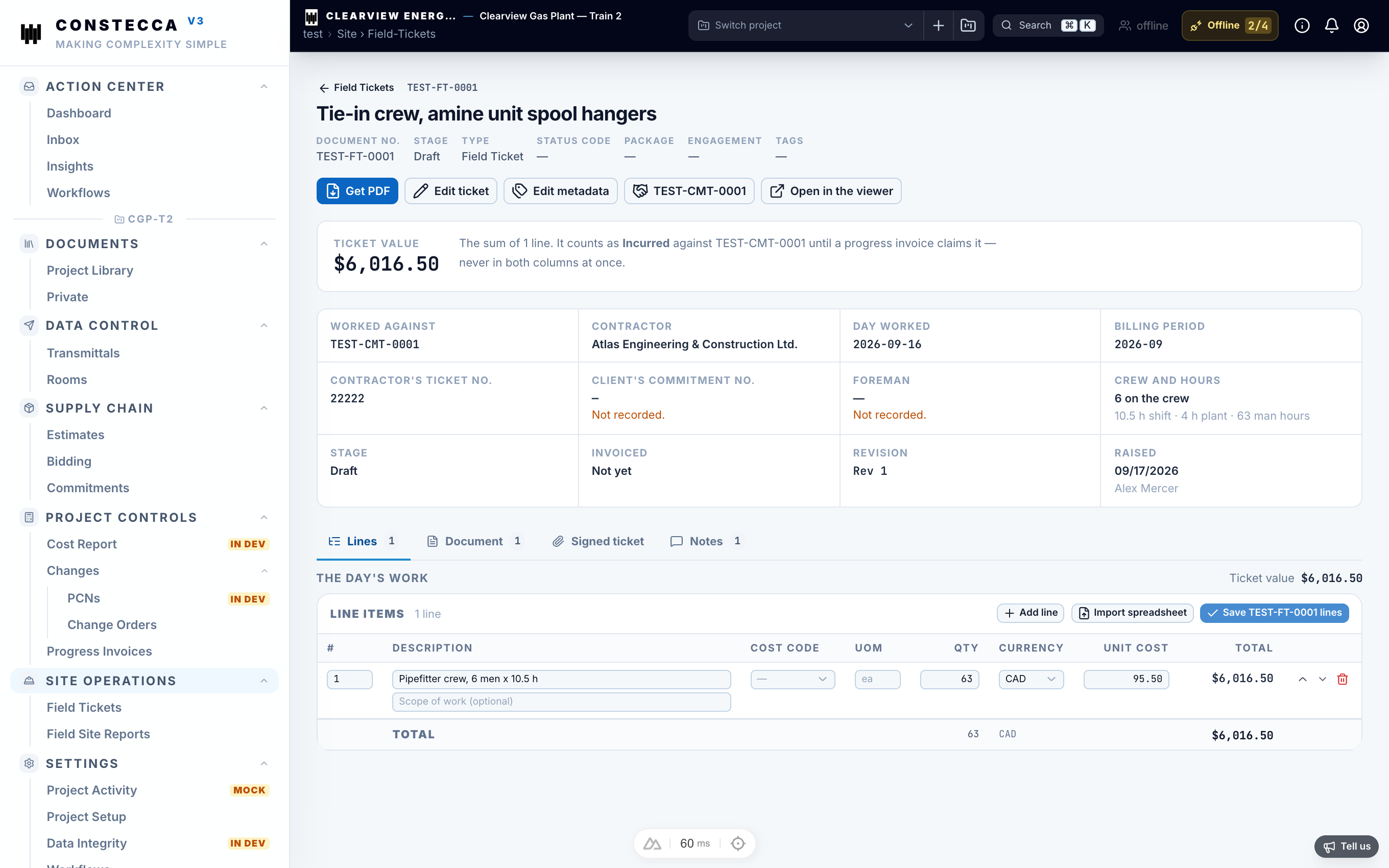
A field ticket records work a supplier did on site: labour, equipment or materials, on a given date, against a commitment.
Create a field ticket
- Go to Site Operations › Field Tickets and click New.
- Pick the commitment and the ticket date.
- Add a line for each item of labour, equipment or material.
- Click Save.
From ticket to invoice
When the supplier claims the work, the ticket is added to a progress invoice. The ticket then shows which invoice it is on.
Once a ticket is on an invoice, you can no longer edit it. Remove it from the invoice first if it needs a correction.