
Dashboard and insights
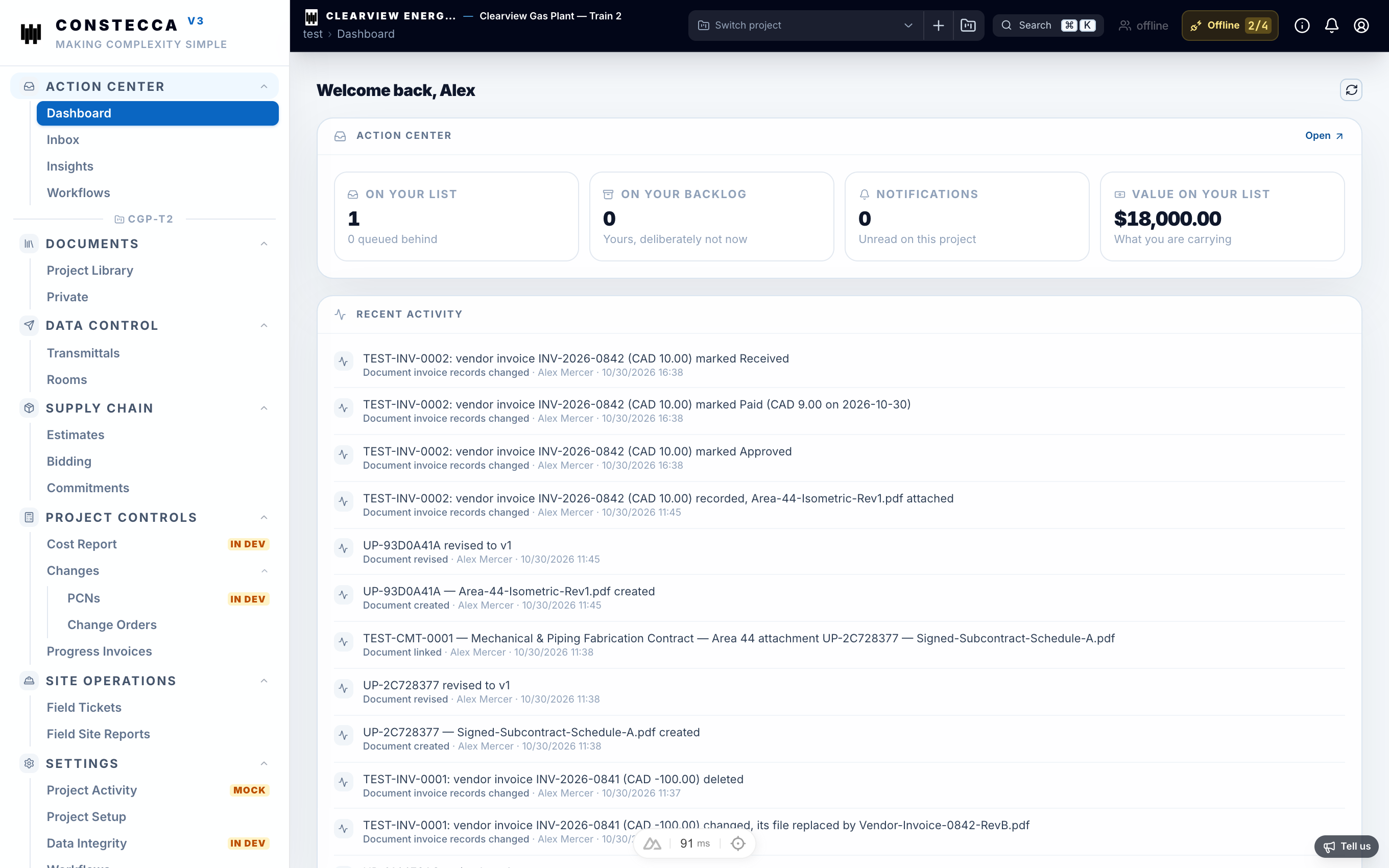
The dashboard
The dashboard gives you a quick picture of the project you have selected. Its widgets depend on the roles you hold on that project, so a buyer and a document controller see different things on the same project.
When you switch project at the top of the screen, the dashboard follows. A role you hold on that project comes first, then any roles you hold on every project.
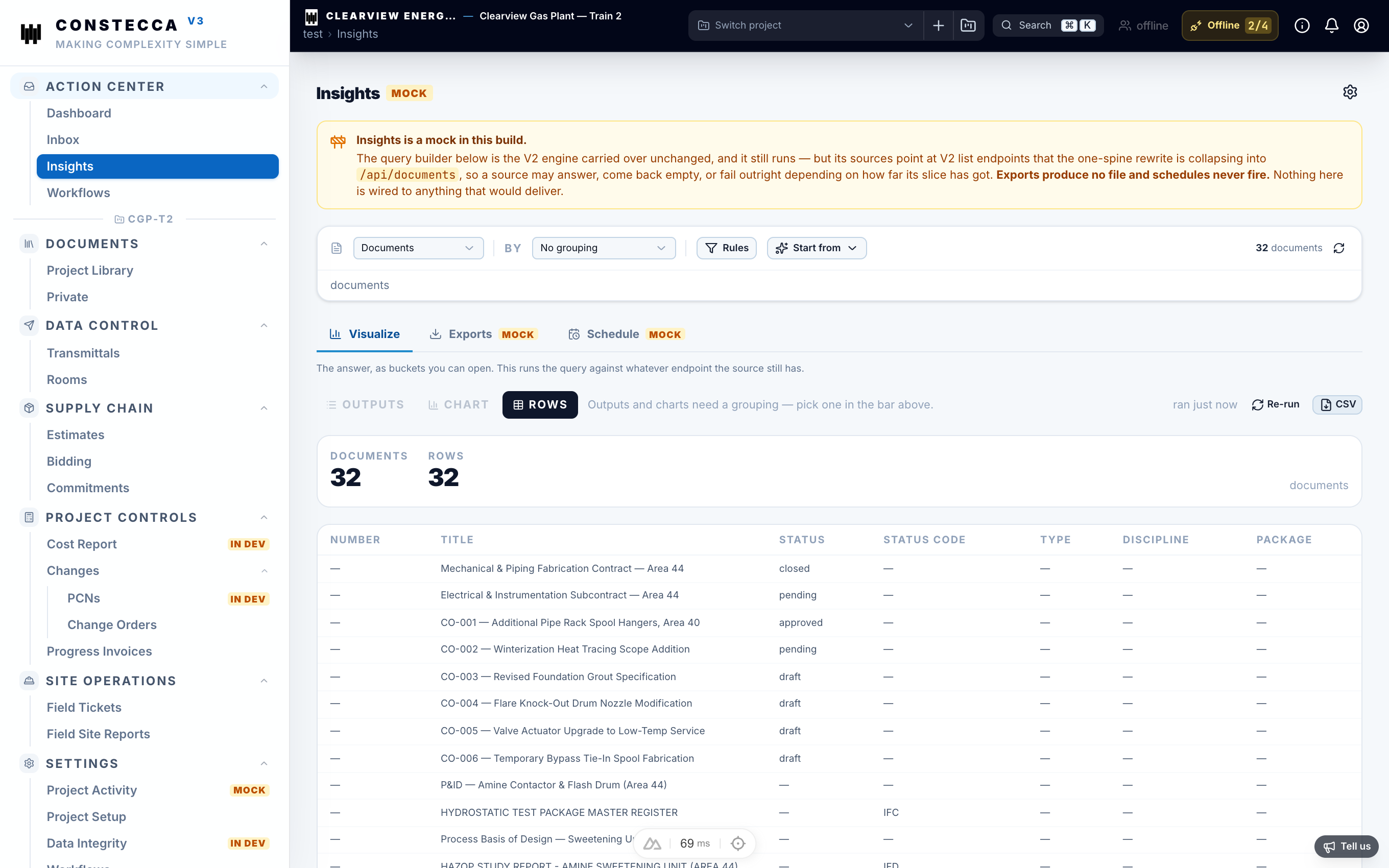
Insights
Insights lets you explore project data visually. Pick what you want to look at and Constecca draws it as a chart, so you can spot trends without exporting a spreadsheet.
Workflow Assignments
Admins also find Workflow Assignments in the Action Center. It shows, from one place, who holds each step of every workflow across the projects they administer.
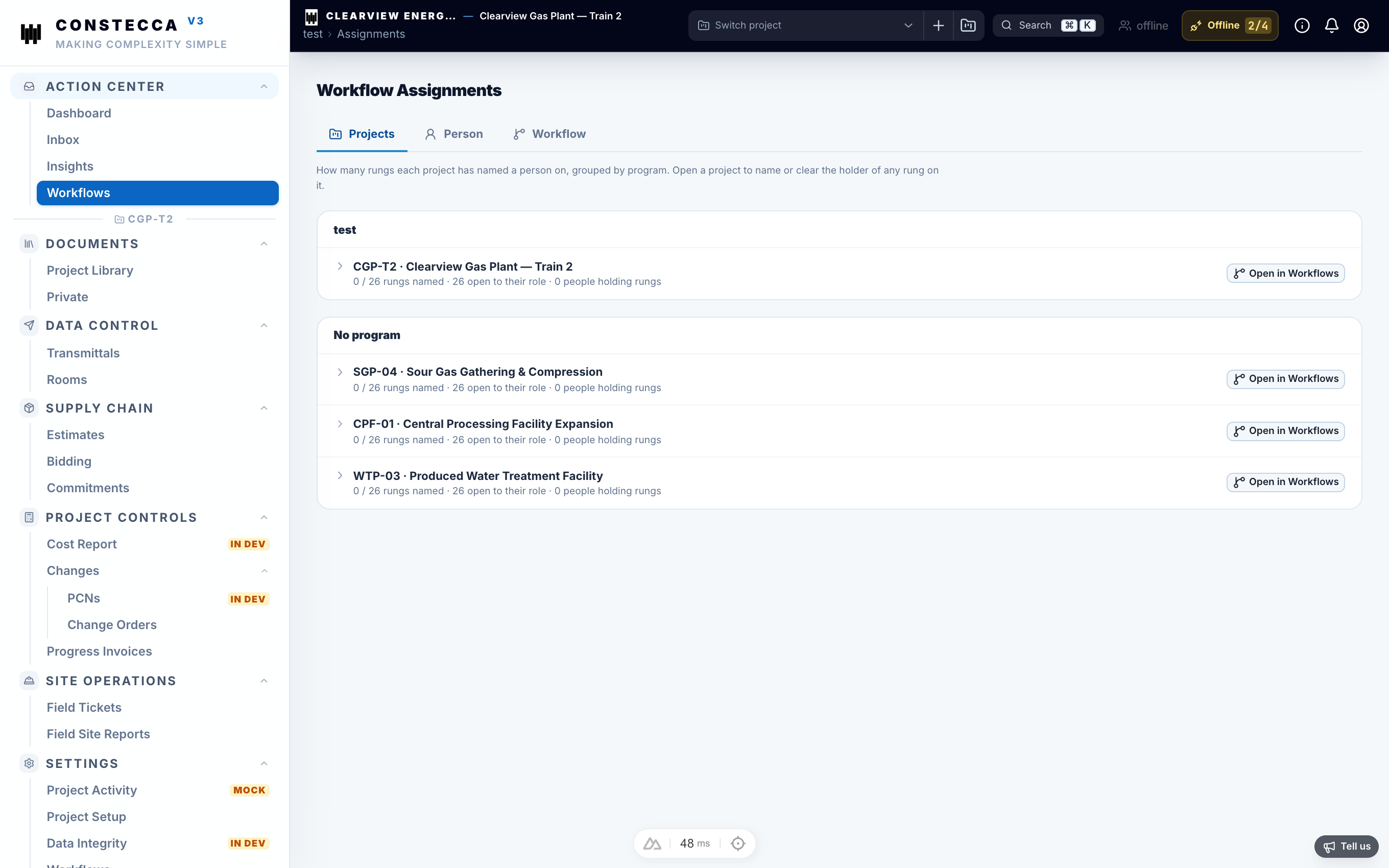
Open a project to see its workflows. Expand a workflow to see each step and who holds it. Pick a new holder for any step, or set it to Open to role so anyone with the role can take it.
Pick a person to see every step they hold. Use Replace everywhere to hand all of them to someone else, for example when a colleague leaves.
Pick a workflow and expand a step to set its holder on each project.