
Administration
Companies
Keep one list of the companies you work with and add them to projects.
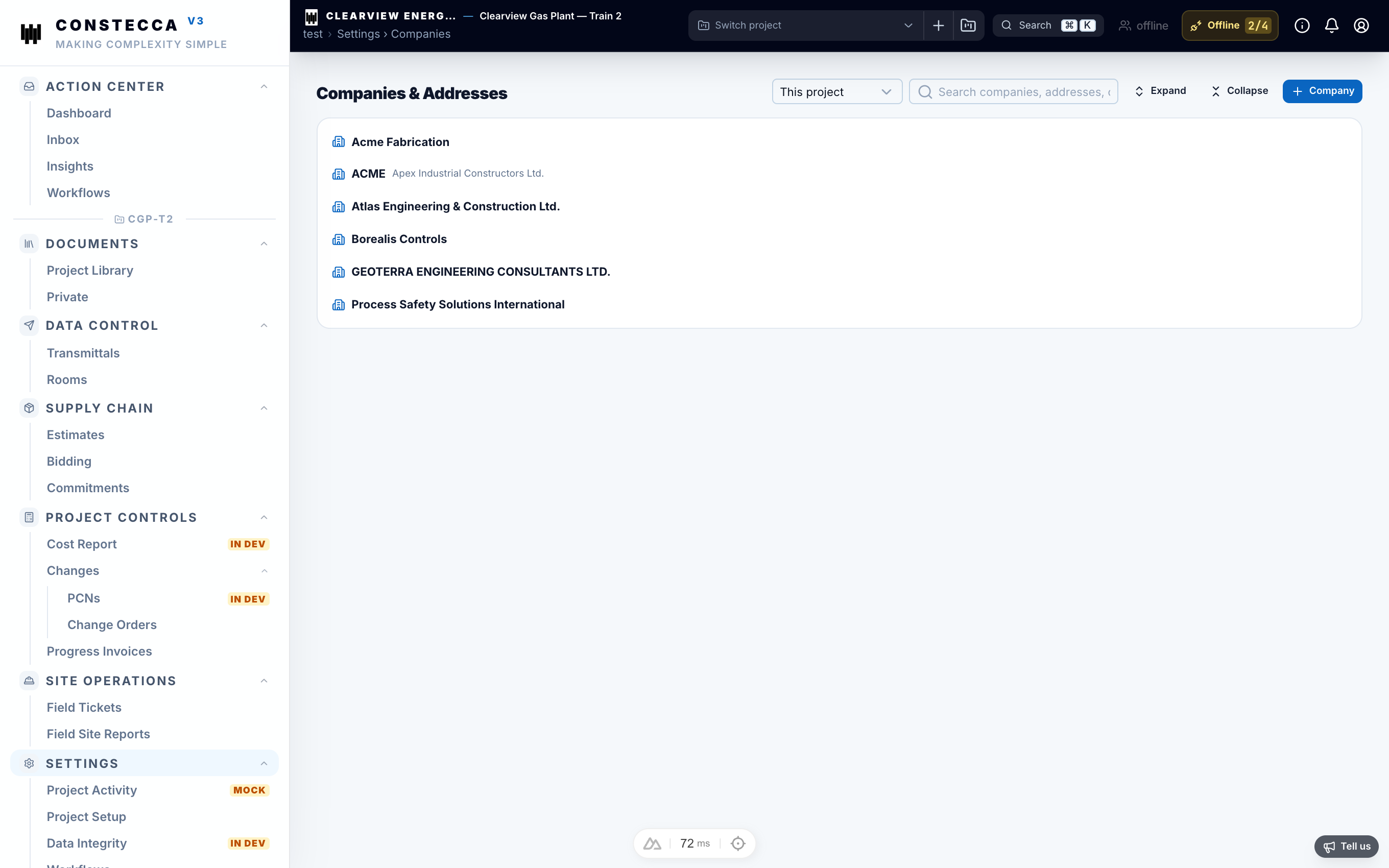
Companies are the suppliers, contractors, consultants and clients you work with. The workspace keeps one list, and each project picks the companies it uses.
Add a company to a project
- Go to Settings › Companies.
- Click Add.
- Pick a company from the workspace list, or create a new one.
- Mark it as a vendor if you buy from it.
Only companies on the project appear in pickers on that project, for example on an estimate header or a commitment.
See a company's documents
Open a company to see the documents filed under it, including its uploads.
Contacts
People belong to a company. When you add a person without a company, the app fills it in once you know it. It never overwrites a company that is already set.
Before you create a company, search the list. Near-duplicates such as "Westpower" and "Westpower Inc." make reports harder to read.