
Administration
Project setup
Create a project and get it ready for your team.
A new project starts blank or as a copy of an existing one. The setup guide walks you through what the project needs before work begins.
Create a project
Start the project
Click New project in the header. Only workspace admins see this button.
Choose blank or clone
Start from a blank project, or clone an existing project to borrow its settings. Borrowing only adds to the new project. It never changes the project you copied from.
Set the basics
Enter the project name, code and default currency. The default currency is CAD unless you change it.
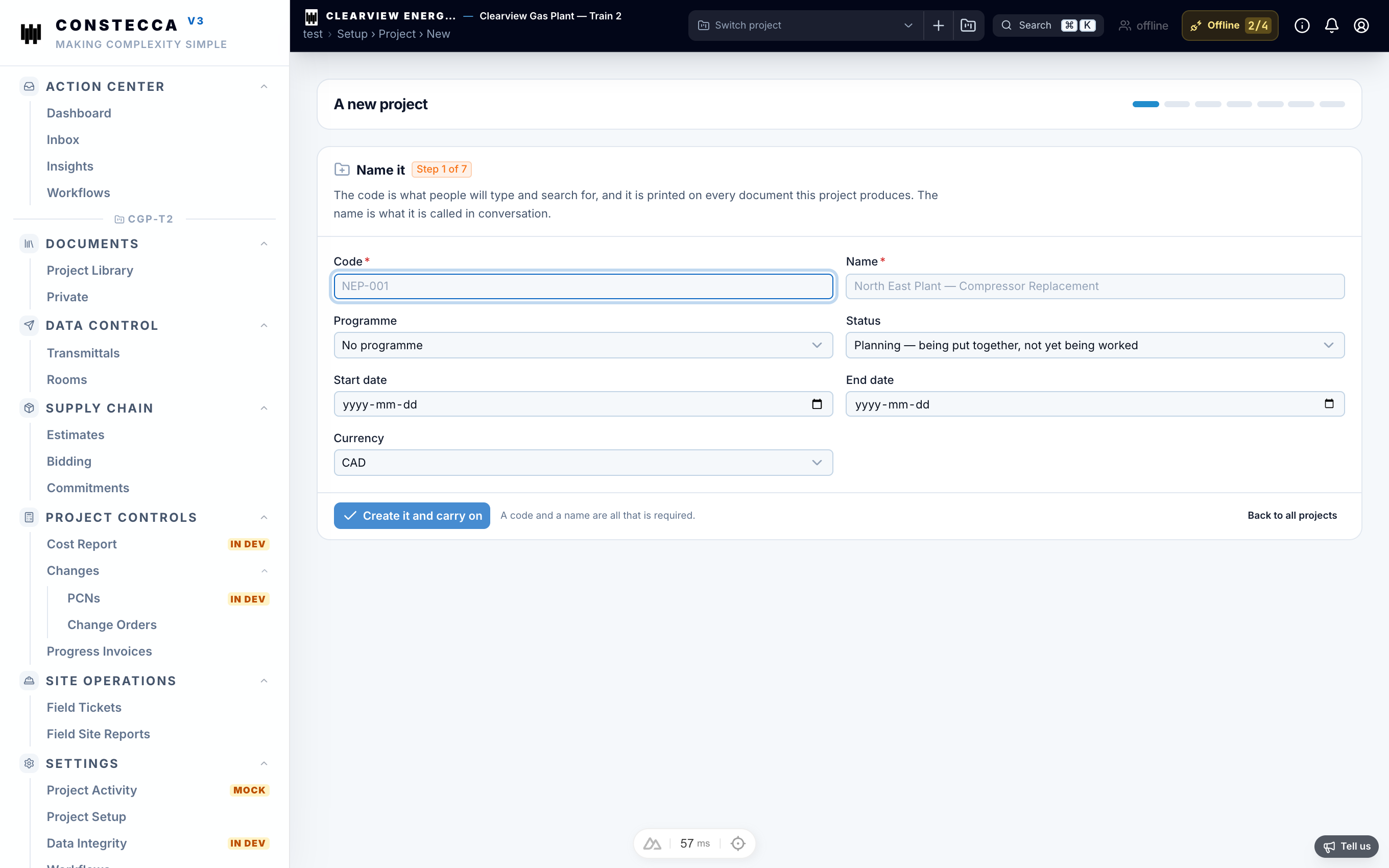
Work through the setup guide
Open Settings › Project Setup. Only the project owner can use it. Work through each area:
- People. Add the team and set each person's standing. See People.
- Companies. Add the suppliers and partners you work with. See Companies.
- Options. Check the document types and other lists. See Option lists.
- Workflows. Choose who approves, reviews and authorizes on this project.
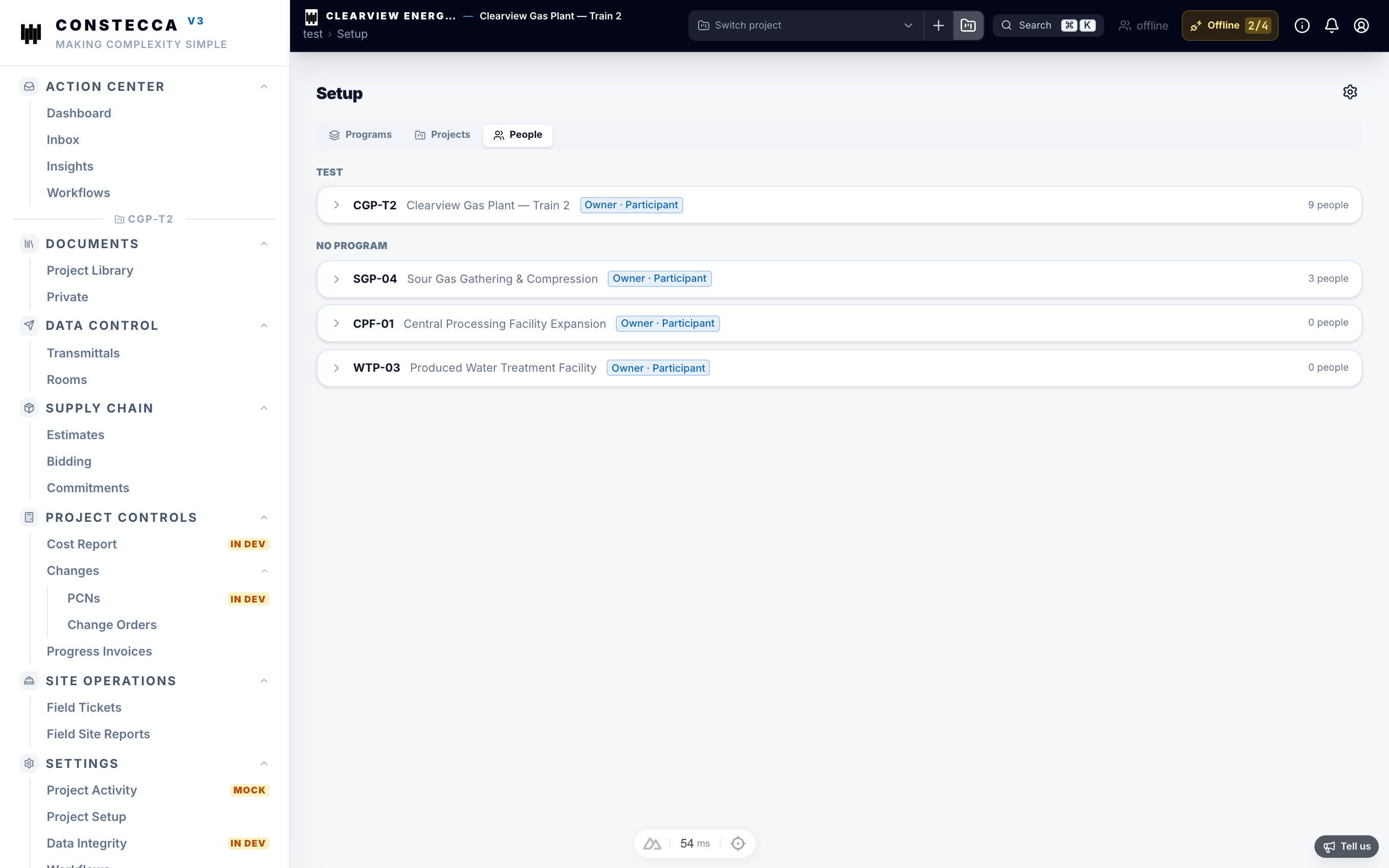
Who approves
Approval roles, such as approver, authorizer and reviewer, are set per project. A role is filled by a person, but tasks go to the role. When the person changes, the work follows the role.
Some project setup screens, such as project settings and project activity, are coming soon.