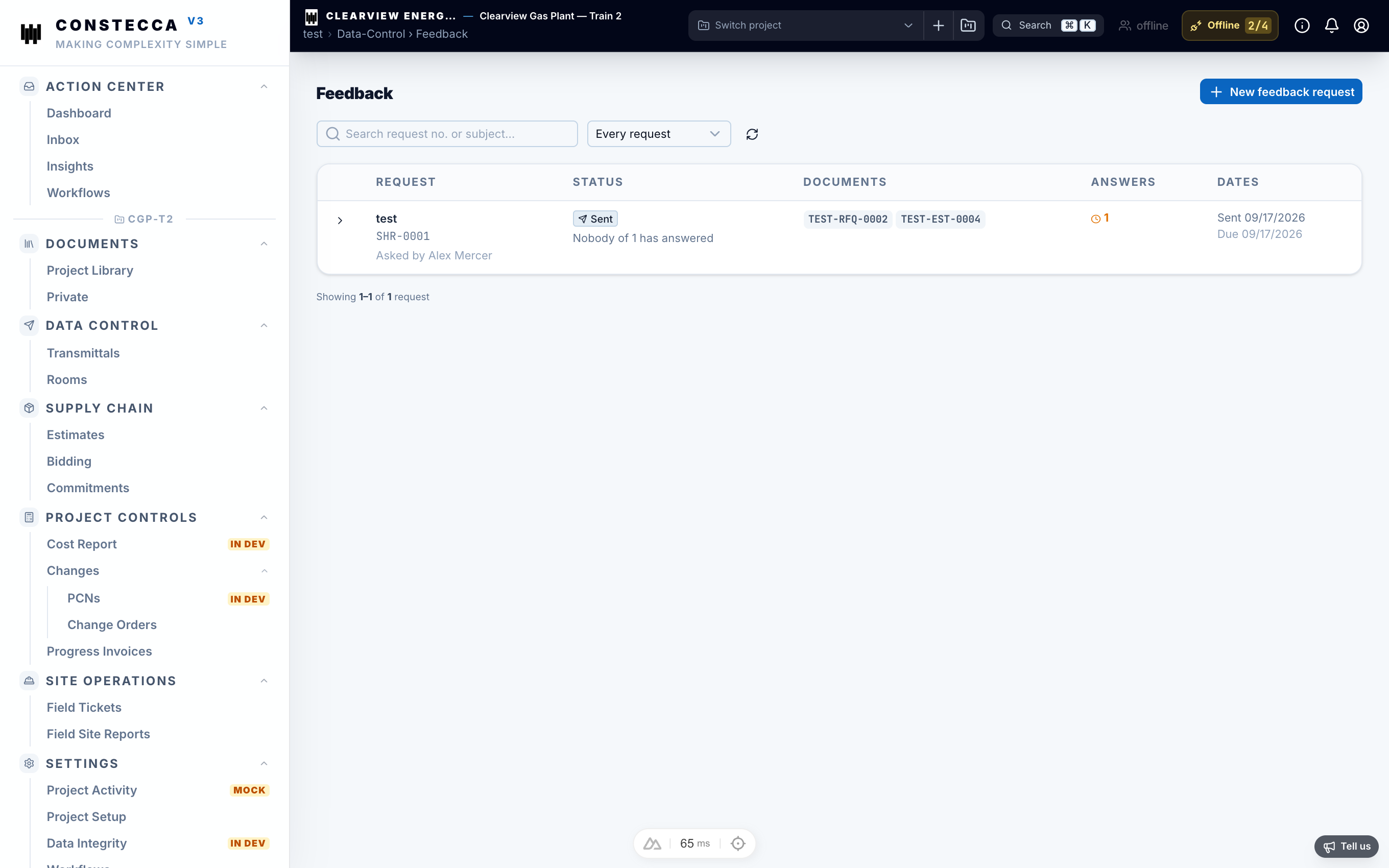
Reviews and feedback
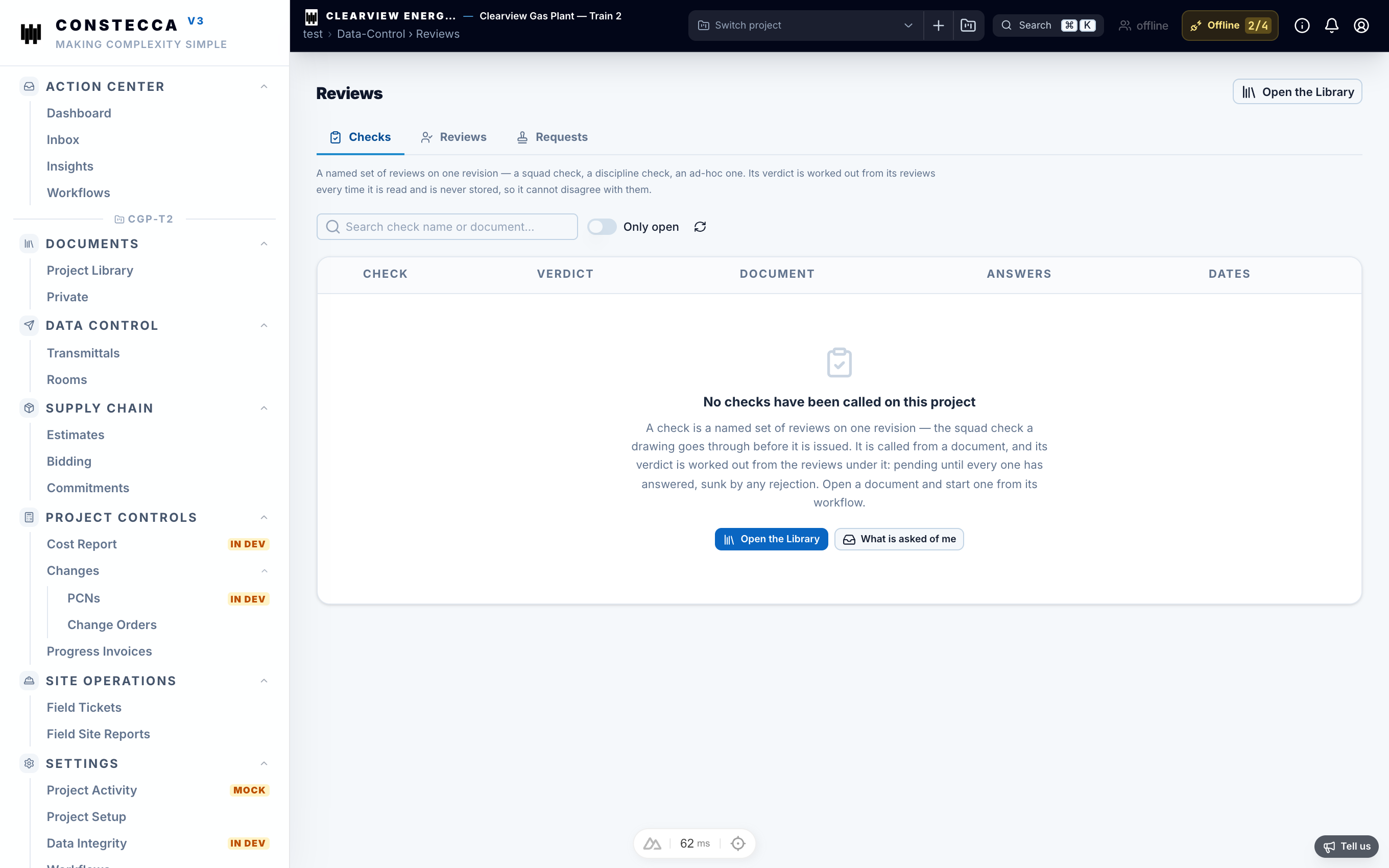
Before a document is issued for construction or approved for purchase, it usually goes through review. Constecca sends each review step to the role that owns it, collects the answers, and keeps them with the document.
Reviews
A review asks people who hold the Reviewer role to check a document and return a decision. The decision is a status code from your project's list, for example "Reviewed, no comments" or "Revise and resubmit".
Send for review
Open the document and send it for review. The review task goes to the project's reviewers.
The reviewer decides
The reviewer opens the task from their inbox, reads the document, and picks a status code. They act on the document itself, then move on.
See the result
The status code appears on the document and in the register. Everyone following the document gets a notification.
Open Data Control, then Reviews, to see every review on the project and where it stands.
Feedback
Feedback is lighter than a review. People who hold the Feedback role add comments to a document without giving a formal decision. Use it to gather input from the field, operations or other disciplines.
Open Data Control, then Feedback, to see the comments collected on the project.