
Transmittals
A transmittal is the formal cover that goes with documents you send to someone, such as a vendor, a client or an engineering firm. Constecca keeps every transmittal on the register, so you can always show what was sent, to whom, and when.
A transmittal is a generated document. Its line items are the documents it carries.
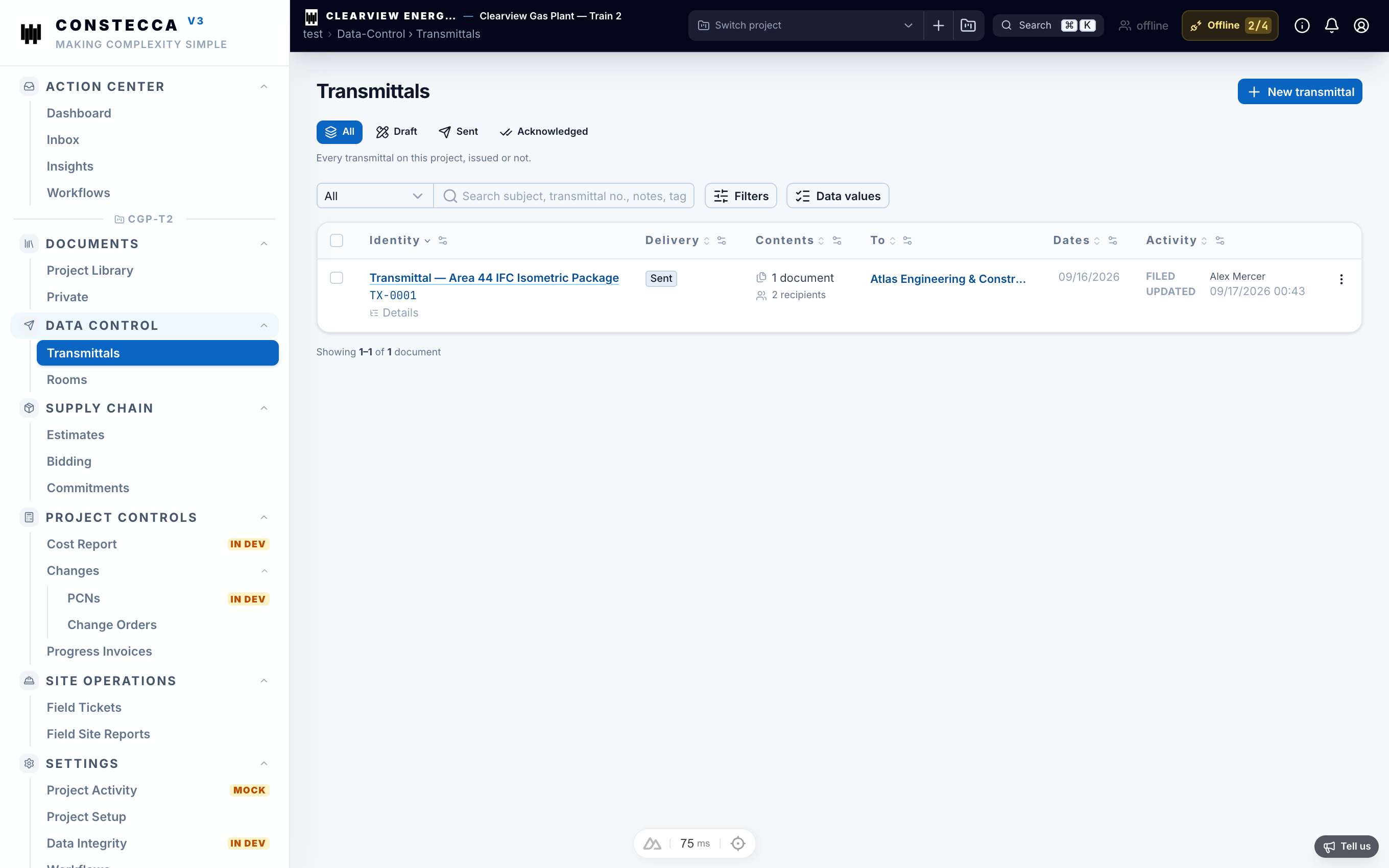
Send a transmittal
Open Transmittals
Open Data Control, then Transmittals, and start a new one.
Add the recipients
Choose the receiving company and the contacts it is for (the Attention contacts).
Add the documents
Pick the documents to send from the register. Each one is listed with the revision being sent.
Issue it
Check the cover and click Issue. Constecca records the transmittal and its status changes to issued.
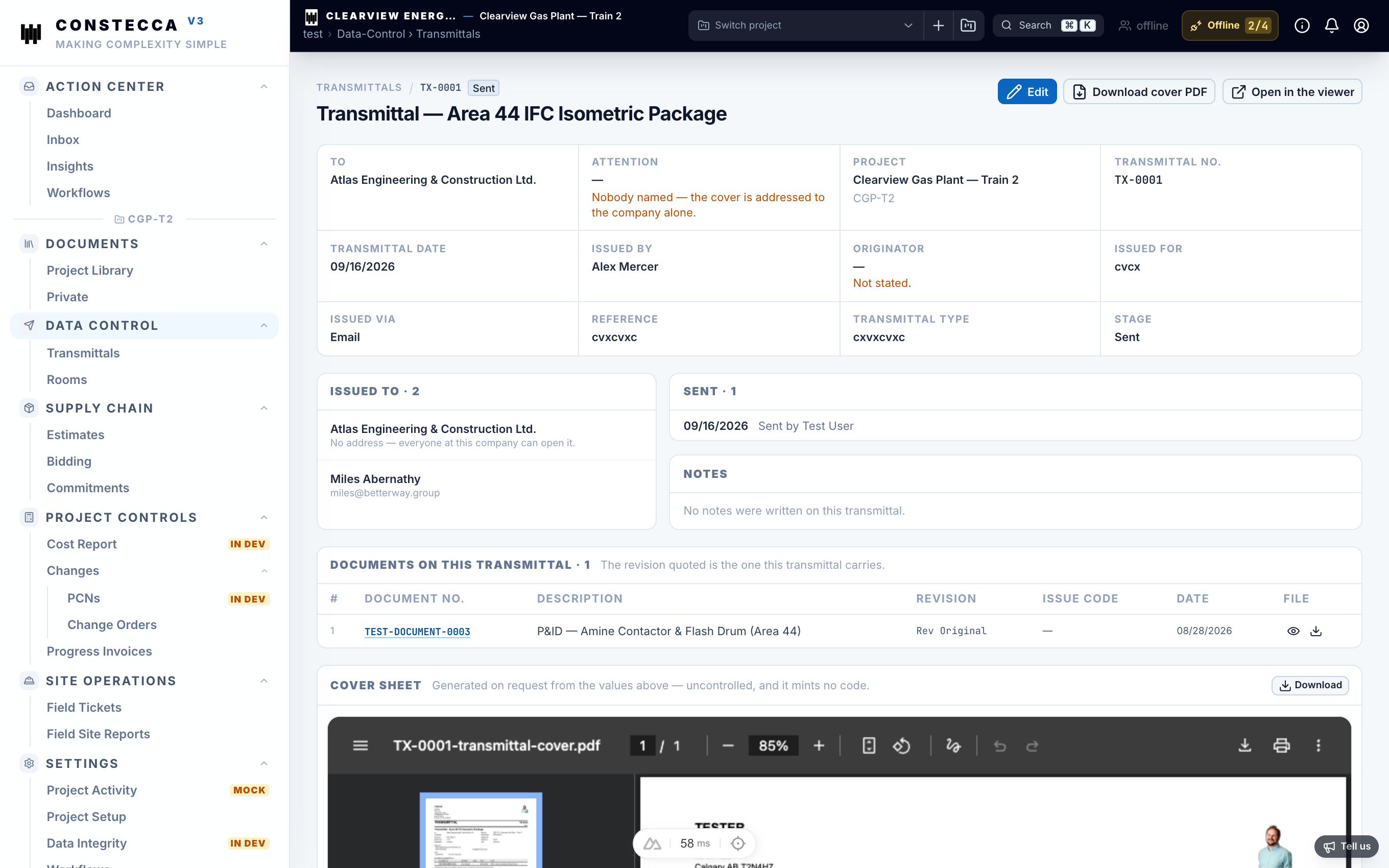
What the recipients get
When you issue a transmittal with the method Via app, each Attention contact gets an email and access to the documents it carries. Contacts who do not use Constecca yet get a guest account, so they can sign in and open the files. That access stays after the transmittal is issued.
Any other method (Email, Courier, Hand delivery, File transfer, Post or Share file) only records the transmittal. Nobody is emailed and nobody gets access in Constecca; you deliver the documents yourself.
See Working with outside companies for what guests see.