Roles and who approves what
Constecca uses three separate ideas to decide what you see and what you are asked to do. Keeping them apart means a change in one never surprises you in another.
1. Your access level
Your access level applies to your whole account in a workspace.
2. Your standing on a project
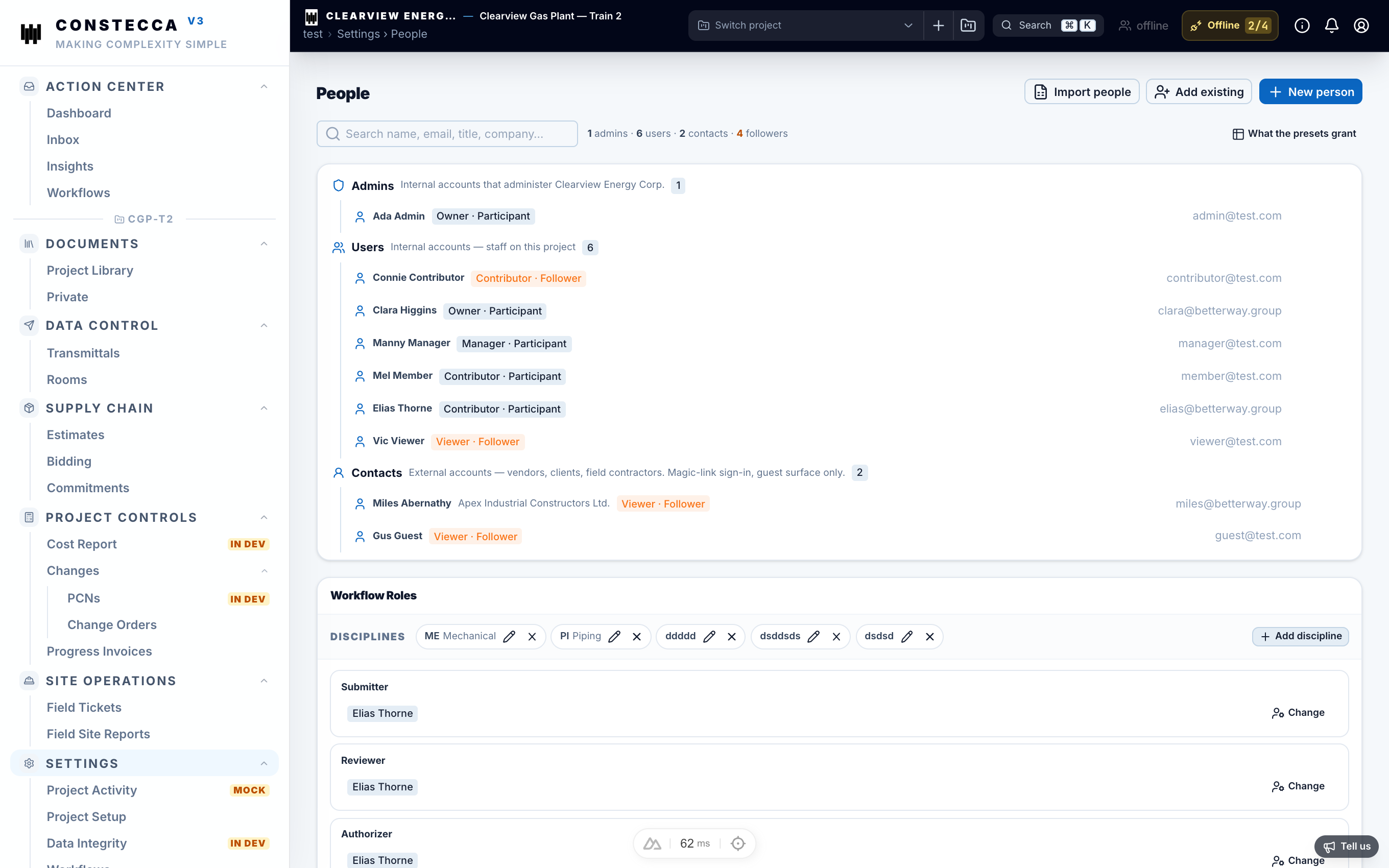
Each project gives you a standing: Owner, Manager, Contributor or Viewer. Owners and managers run the project. They manage its people, options and workflows, and they can see private documents. Contributors do the work. Viewers read.
Your involvement is either Participant or Follower. A participant can receive tasks. A follower is never given tasks. Followers keep an eye on the project and get notifications, nothing more.
3. The roles that approve
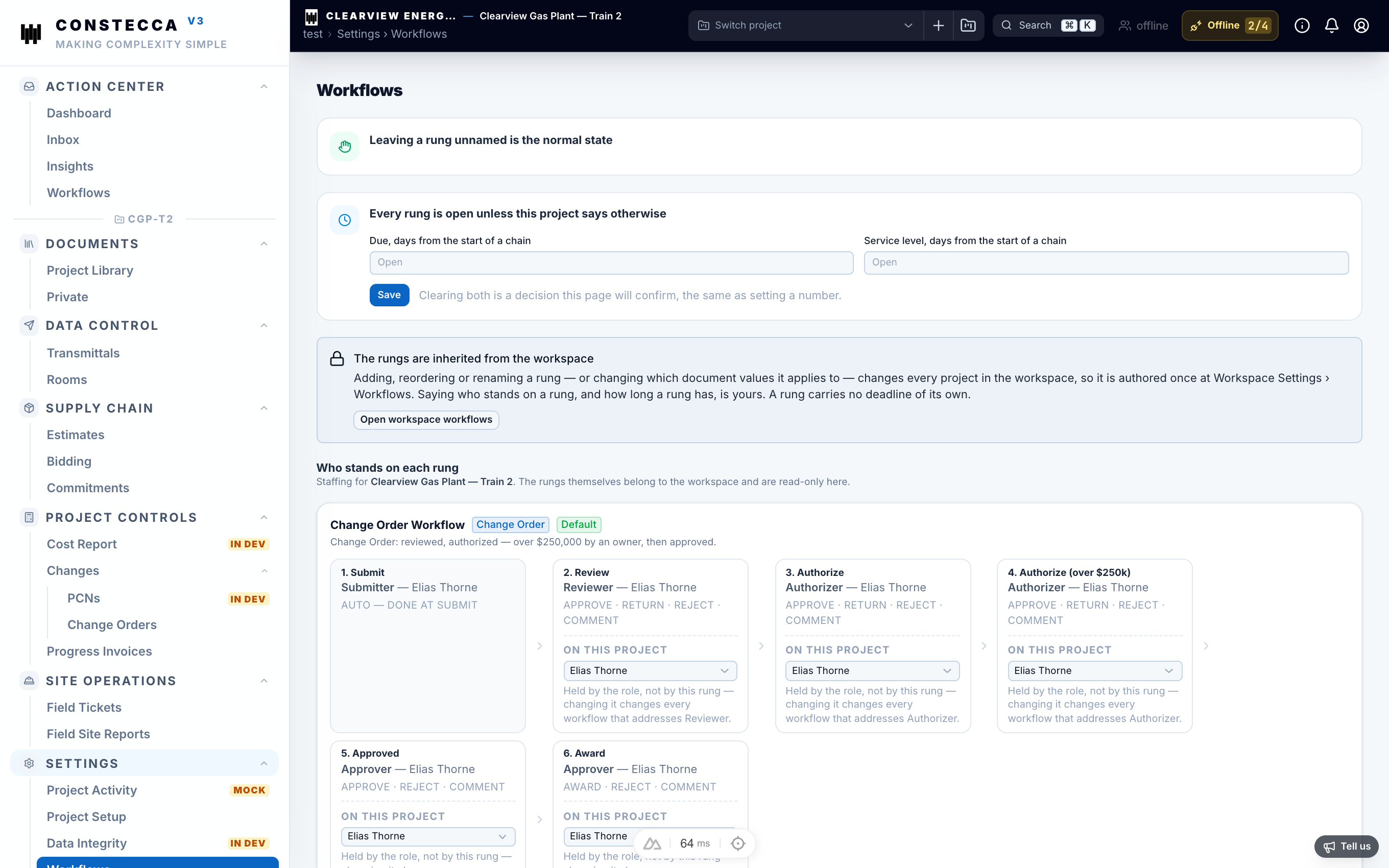
Approvals go to a role, not to a named person. Each project decides who holds each role:
| Role | What the holder does |
|---|---|
| Submitter | Sends documents into a review or approval chain. |
| Reviewer | Reviews documents and returns a decision. |
| Approver | Approves documents. |
| Authorizer | Gives the final authorization, for example on spending. |
| Feedback | Gives comments on documents. |
| Room | Takes a seat in review rooms. |
| Transmittal | Prepares and issues transmittals. |
Because tasks go to the role, a change of people on the project is simple: the manager hands the role to someone else, and the next task finds the new holder.