Key ideas
A document
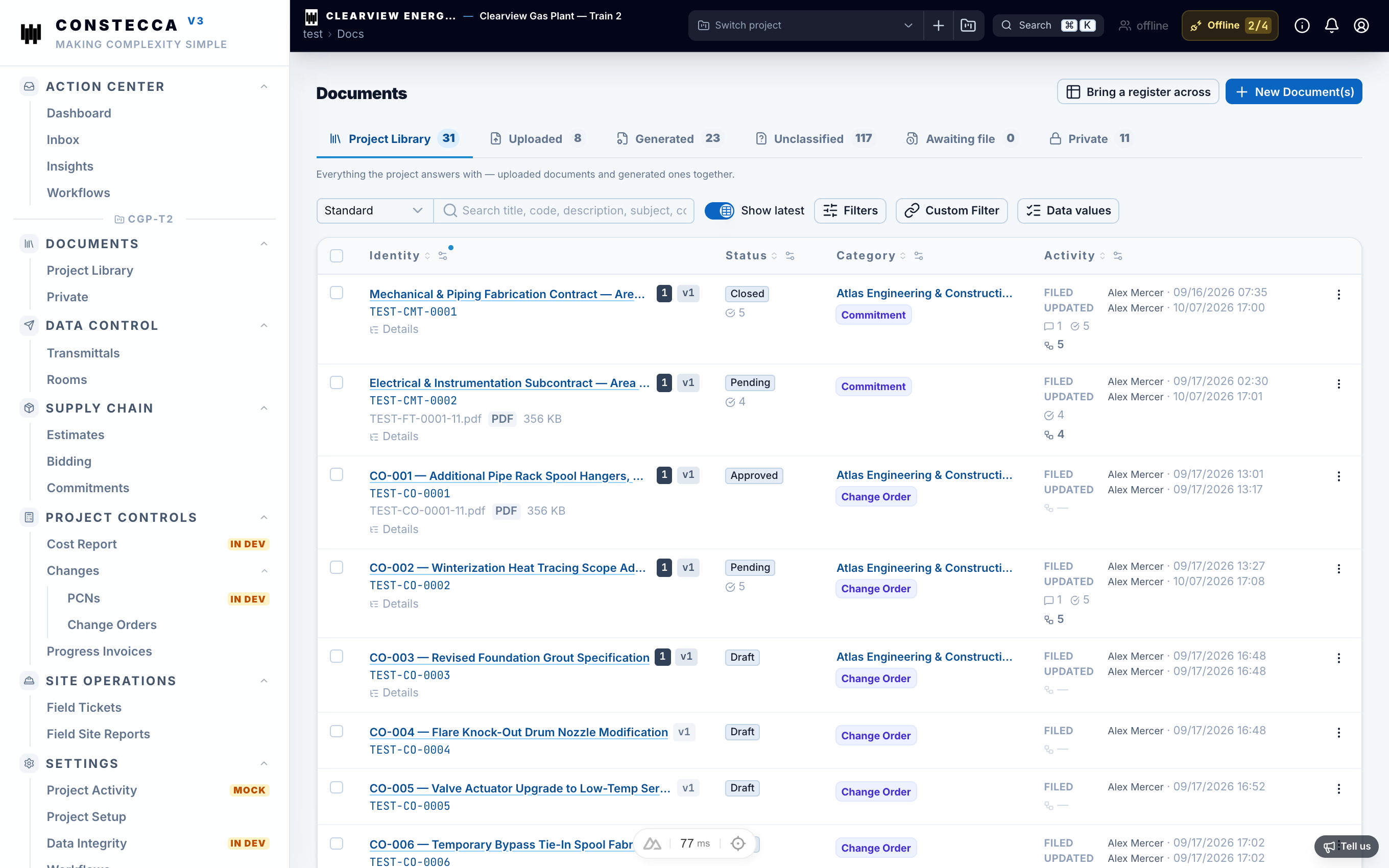
A document is anything the project keeps a record of. There are two kinds:
- Uploaded documents are files you bring in, such as a drawing, a specification or a site photo.
- Generated documents are built inside Constecca from line items, such as an estimate, a commitment or a progress invoice. See Generated documents.
Both kinds get a document number, appear in the same register, and follow the same rules.
Revision and version
These two words mean different things in Constecca.
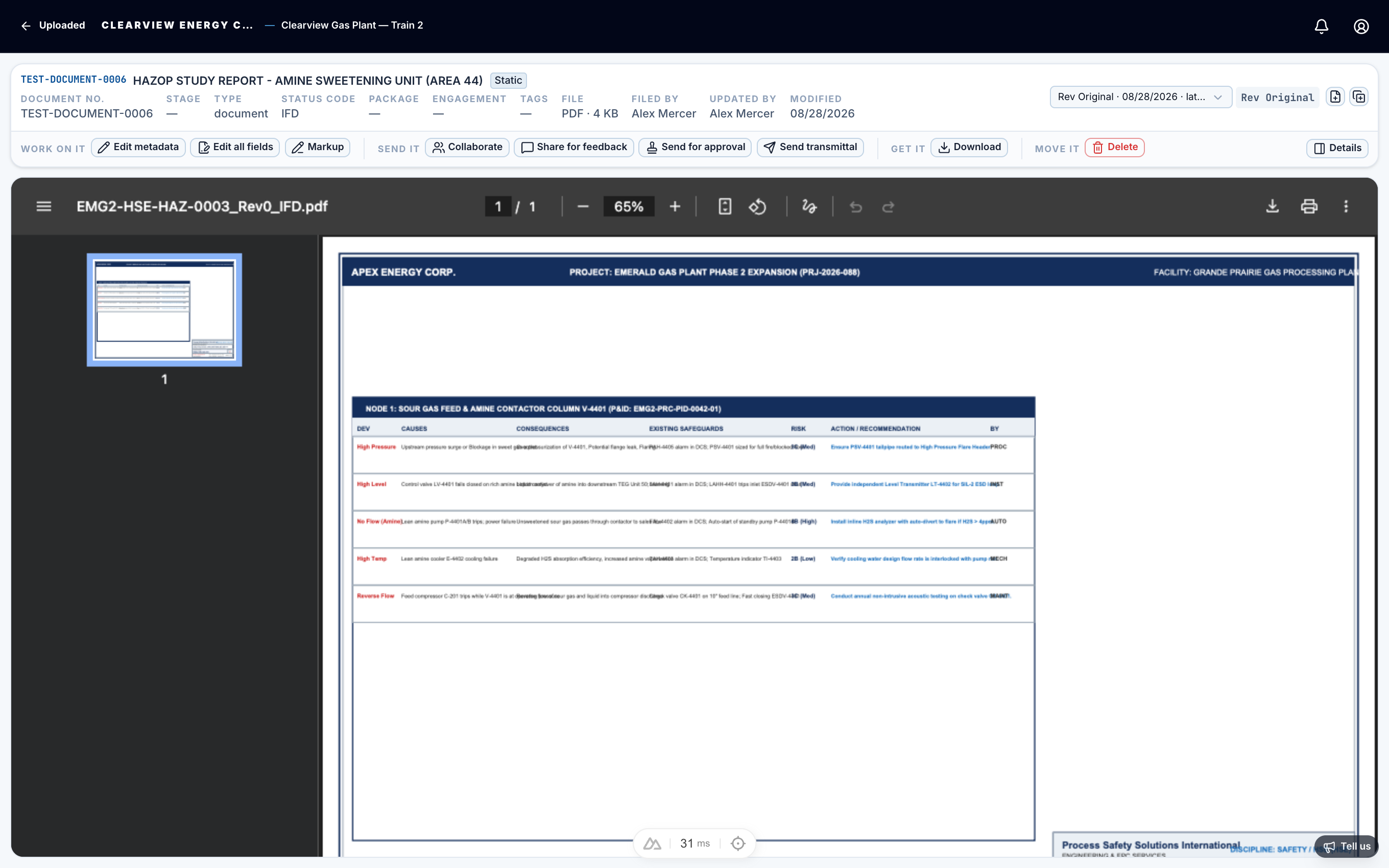
- A revision is the stamp on the document: Rev 1, Rev A, IFC. Each new revision replaces the one before as the current, live copy.
- A version is another file of the same revision. If someone re-sends Rev A with a corrected title block, that file becomes Rev A version 2.
Earlier revisions are never lost. You can always open them from the document's history. Read more in Revisions and versions.
Status
Every document carries a status that shows where it stands, for example draft, under review or approved. The status changes when people act on the document's tasks, so you never need to set it by hand.
A document can also carry a status code: the decision a reviewer returned, taken from your project's list of codes.
The register
The register is the project's list of documents. It shows every document you may see, with its number, title, type, revision and status. You can search it, choose which columns appear, and open any row in the viewer.
The register can also list documents that are expected but not yet received. When you import a register from a spreadsheet, each row waits for its file. See Import a register.