
Cost report and exceptions
The cost report adds up every budget line, commitment, approved change order and invoice on the project. Go to Project Controls › Cost Report to open it.
Read the cost report
Each row is a budget line or cost code. The main columns are:
The report never converts currencies. A budget line has its own currency, and its figures compare against costs in the same currency.
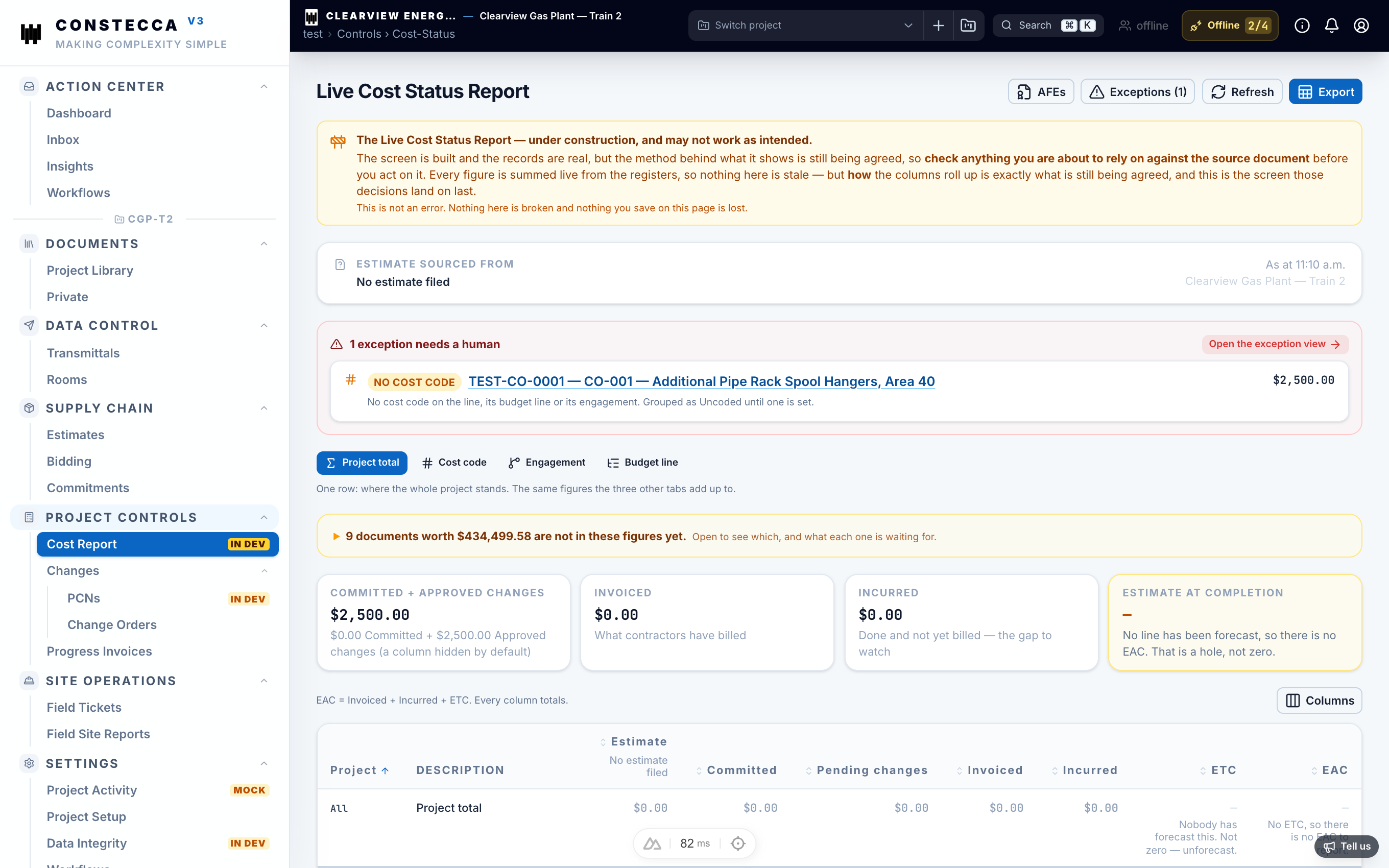
Not counted yet
Some costs cannot land on a budget line yet, for example a line with no cost code or one in another currency. They appear in the Not counted yet strip at the top. Fix the line on its document, and the cost moves into the report.
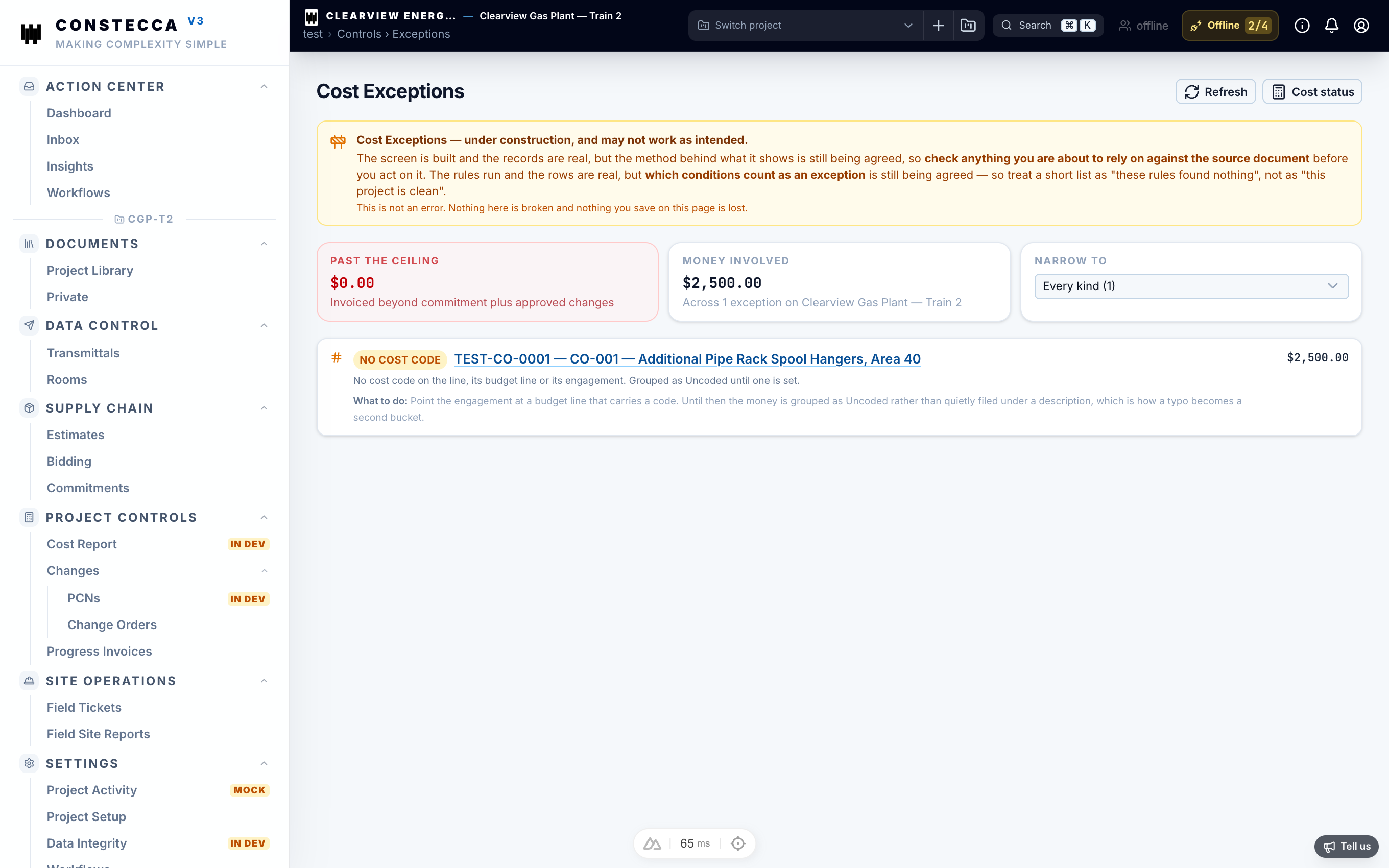
Exceptions
Exceptions lists the items that need attention, such as costs that do not match a budget line. Open it from the Cost Report page.
Export
Exporting the cost report to Excel is not available.