
Project Controls
AFEs
Request and approve an authorization for expenditure before money is spent.
An AFE, or authorization for expenditure, is the approval to spend money on a piece of work. You raise it before the spending starts, and it goes through the project's approval workflow.
Find AFEs
AFEs are not on the main menu. Open Project Controls › Cost Report and follow the link to AFEs.
Raise an AFE
Create it
On the AFEs list, click New. Enter a title and pick the engagement it covers.
Add the lines
Add a line for each part of the spending, with its amount, currency and cost code.
Send it for approval
Click Send for approval. Each approver receives a task in their Action Center and approves it on the AFE itself.
Keep a record
The AFE is a document like any other. It keeps its revisions, notes and approval history. Open the Document tab to see or download its PDF.
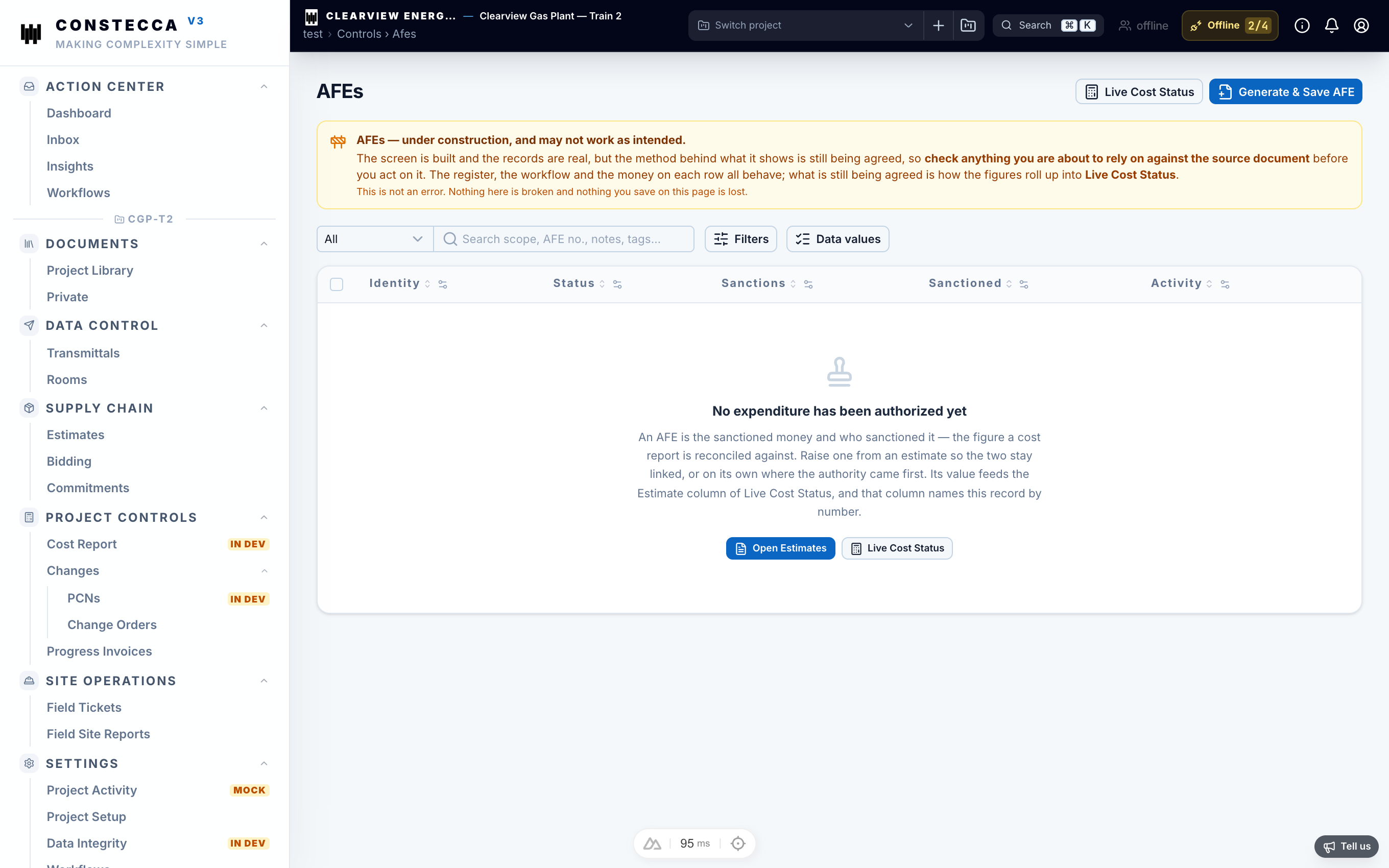
AFE pages are still being refined. Some details on this screen may change.