
Import a register
On a large project, the document list often exists long before the files do. Constecca lets you import the list first. Each row becomes a record that waits for its file, and the files attach themselves as they arrive.
Import the spreadsheet
Start the import
Open Documents and choose to import a register. Pick your spreadsheet (Excel or CSV).
Answer every column
Constecca lists each column in your sheet. For each one, choose what to do with it:
- match it to a standard field, such as document number, title or company,
- keep it as a project field, so its values stay searchable, or
- drop it.
Check
Constecca checks the sheet without saving anything. It tells you how many rows it will record, and lists new values it does not know yet, such as a new company or document type. Click Add all to add them to the project in one go.
Record
Click Record. Constecca saves the rows in batches and shows its progress. A row it cannot record is named in the report with the reason, and the rest carry on.
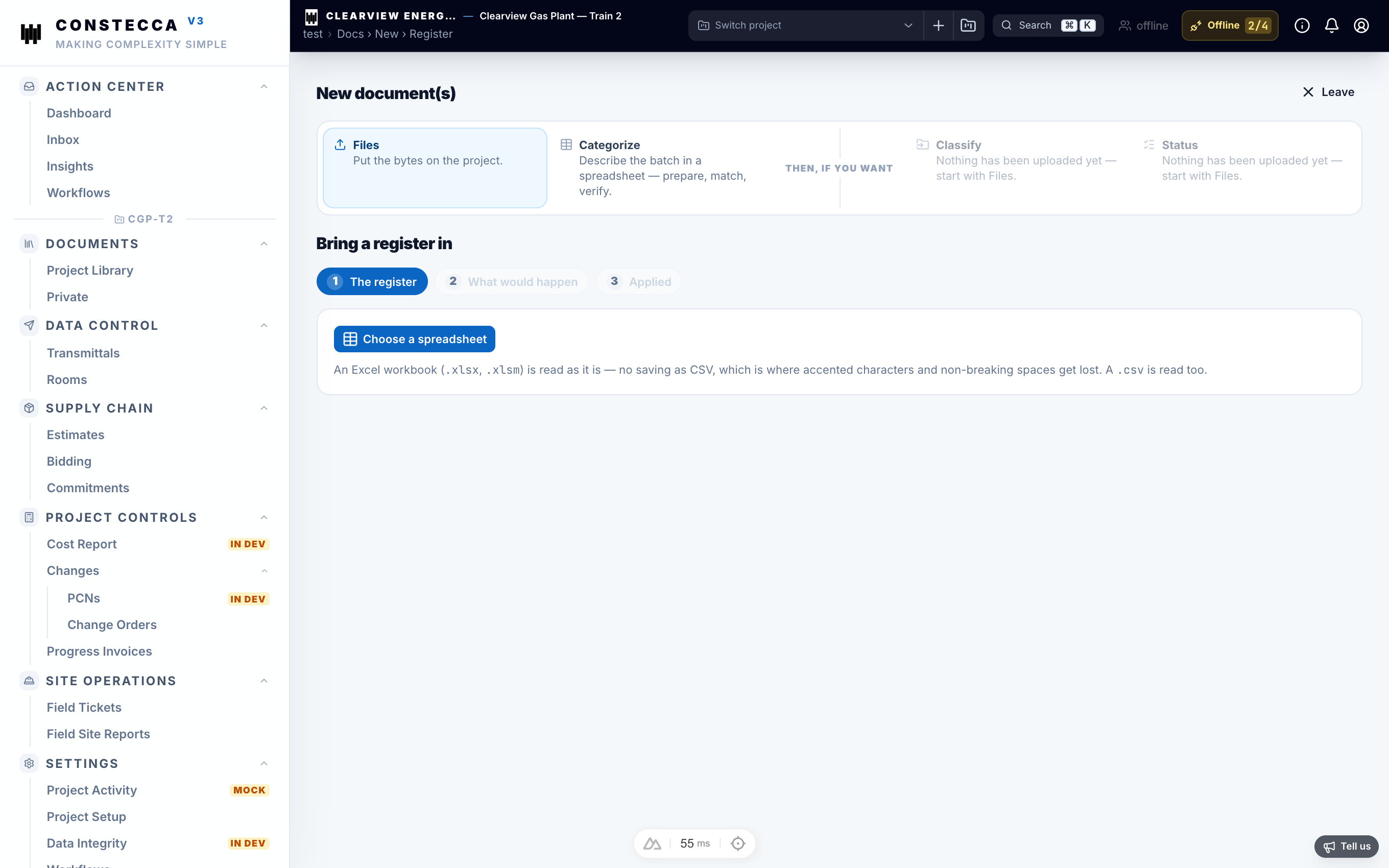
Import the same sheet again
When you import an updated sheet, Constecca skips the rows it already has. To refresh them with the sheet's values, tick Also update the rows already here.
Attach the files
Every recorded row waits on the Awaiting File shelf. Upload the files whenever they arrive, a few at a time or a whole folder at once. See Upload files.
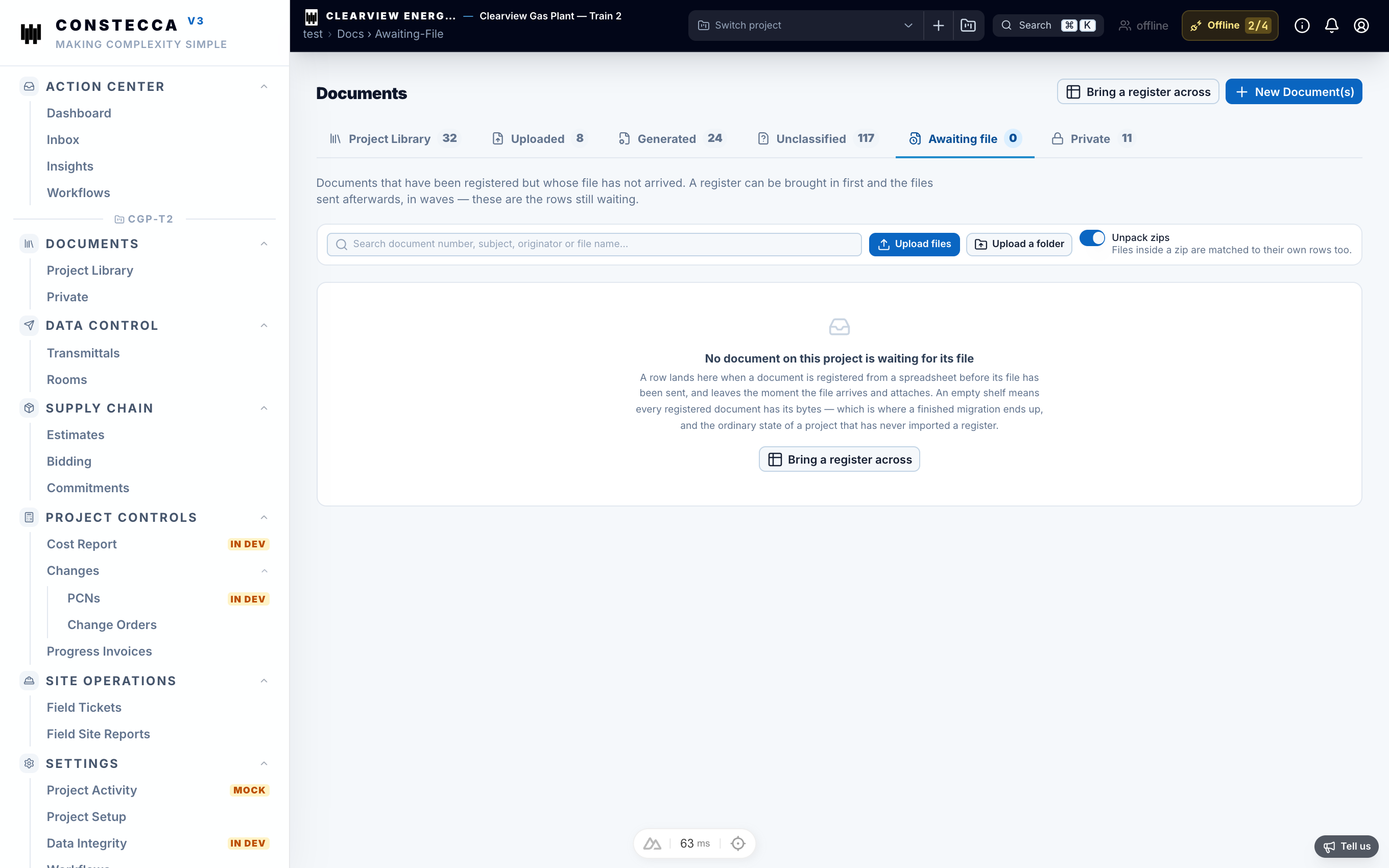
Files match rows by exact file name. It does not matter which computer or USB drive they come from. If two rows share a file name, Constecca uses the folder named in the register to tell them apart.
When a file arrives, its row becomes a Library document and moves to the Uploaded shelf. Rows that share a document number stack into one document as revisions, and the highest revision becomes the live one, whatever order the files arrive in.