
Revisions and versions
A document in Constecca keeps its whole history. Two words describe how it changes: revision and version.
Revision: the stamp
A revision is the stamp printed on the document, such as Rev 1, Rev A or IFC. When the engineer issues the next stamp, you add a new revision. The newest revision is the live one, and the register shows it.
Version: another file of the same revision
A version is another file for a revision that already exists. Use it when the same stamp is sent again, for example with a corrected title block or a better scan. Rev A version 1 and Rev A version 2 are both Rev A.
Examples
| What happens | What you do |
|---|---|
| The drawing goes from Rev B to Rev C. | Add a new revision. |
| The vendor re-sends Rev C with a missing page added. | Add a new version of Rev C. |
| An old Rev A file turns up after Rev C. | It files under Rev A. Rev C stays live. |
See the history
Open the document in the viewer. The revision list shows every stamp and every version under it. Click one to open that file.
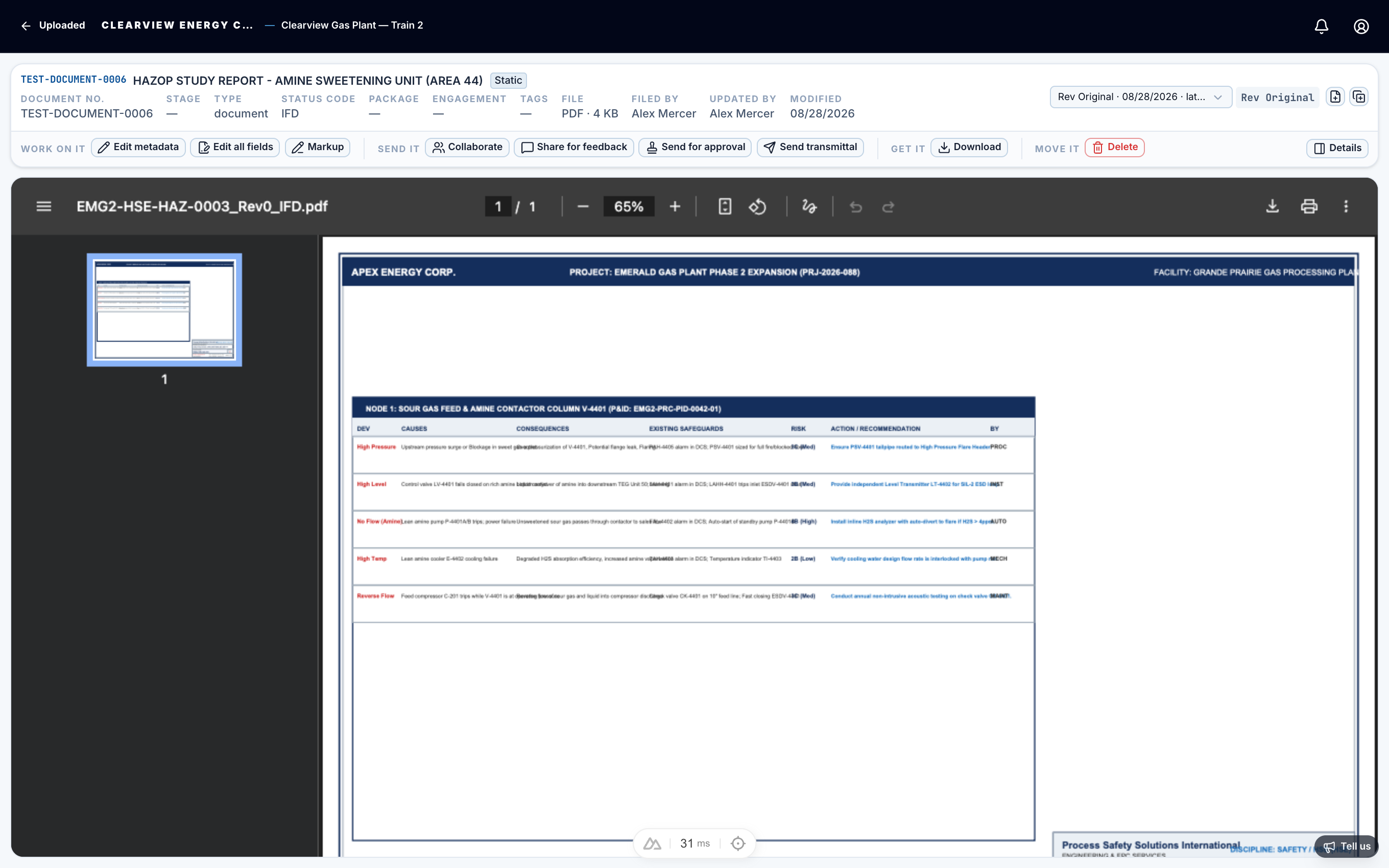
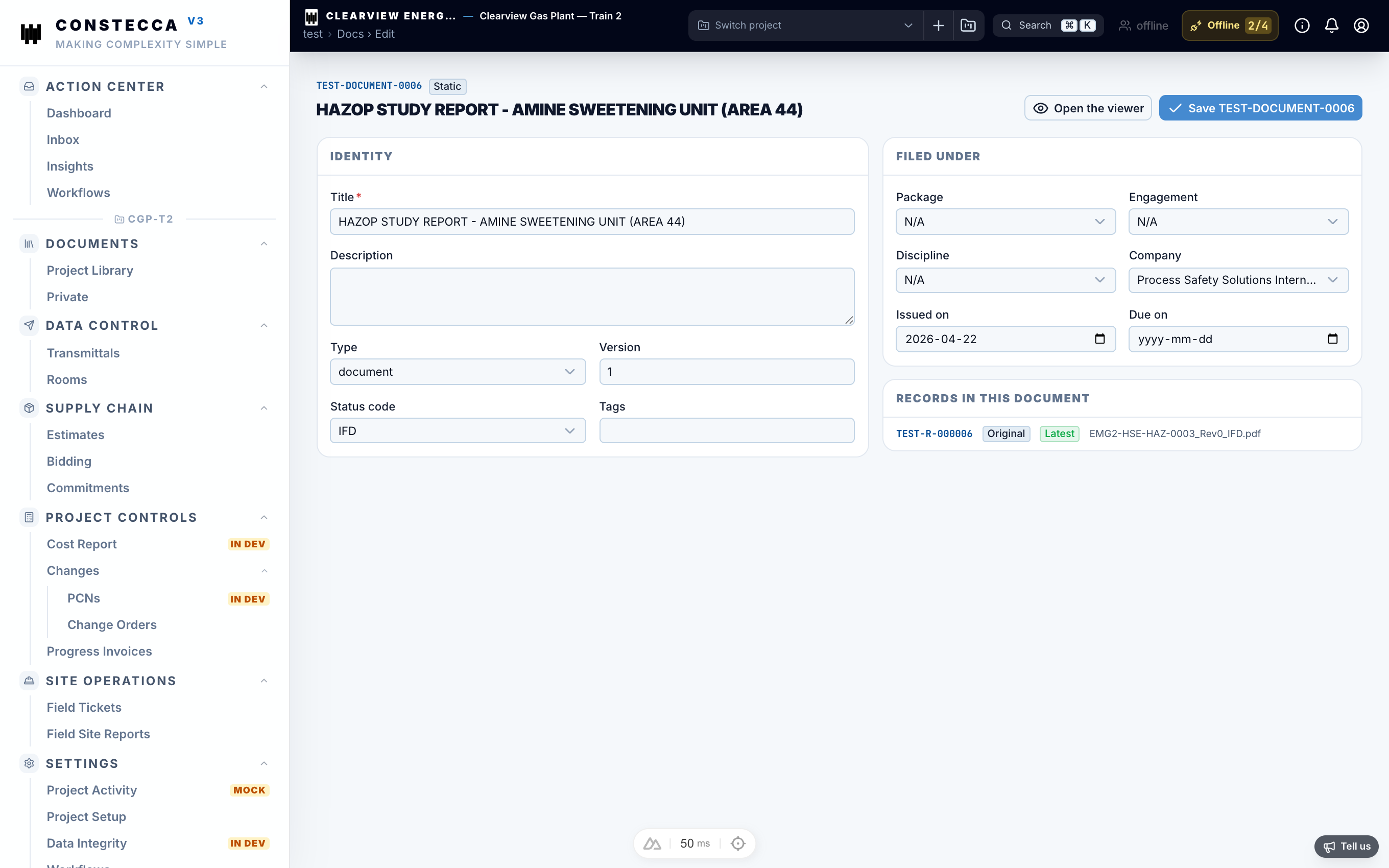
To update metadata or inspect all fields on a revision, click Edit all fields in the top-right corner of the viewer.
Generated documents
Estimates, commitments and other generated documents also have revisions. Only the latest revision is live and editable. When you start a new revision, the previous one is frozen as a fixed copy, so what was approved stays exactly as it was.