
Supply Chain
Supply Chain
Price the work, ask suppliers for bids, and turn the winning bid into a commitment.
Supply Chain covers everything between "what will this cost?" and "we have signed with a supplier." You price the work in an estimate, send an enquiry to suppliers, compare what comes back, and award the work as a commitment.
How the pieces fit
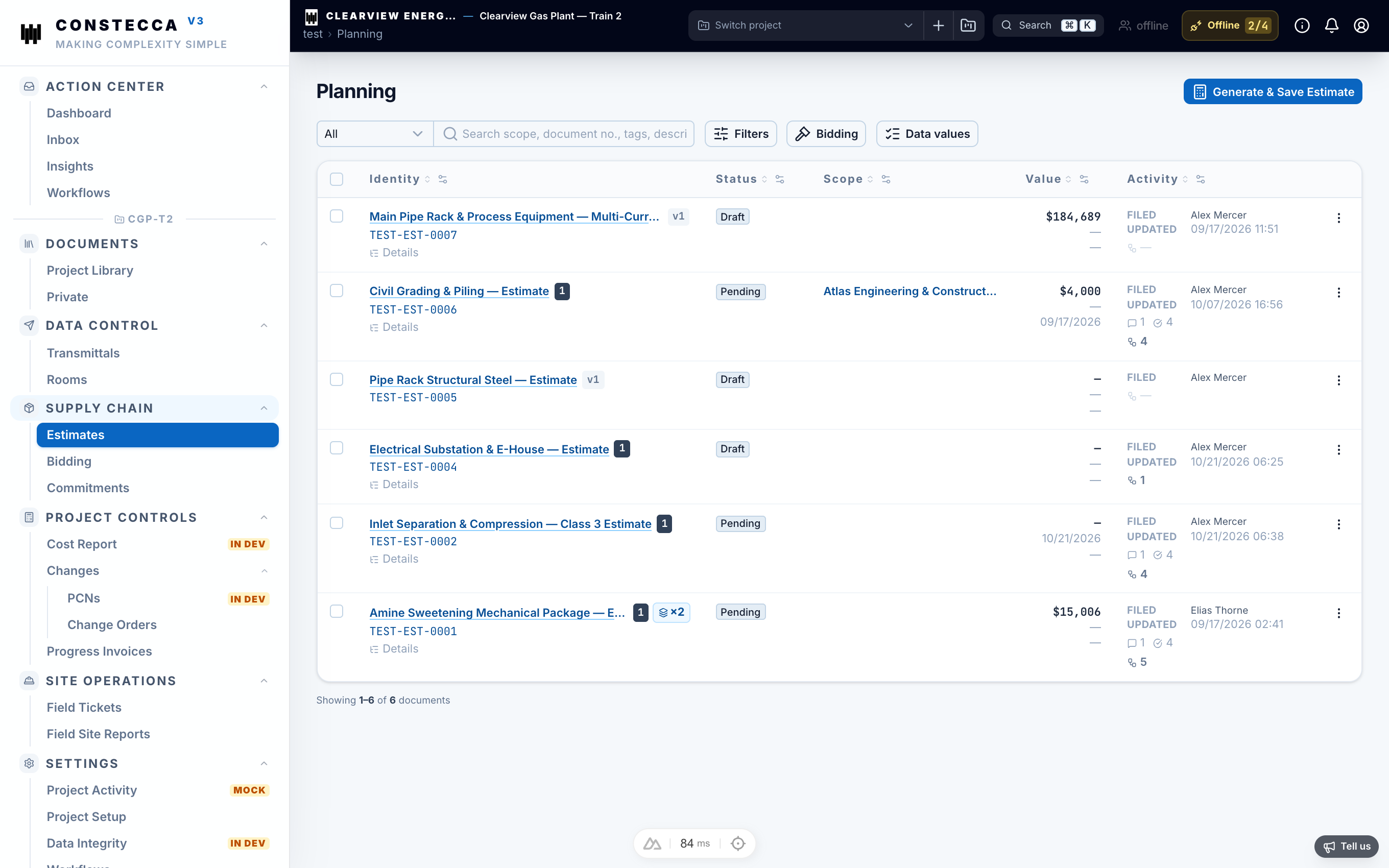
- Estimate. You build your own price for the work, line by line.
- Enquiry. You raise a request for quotation, proposal or information, and invite suppliers to respond.
- Bids. Suppliers return their prices. You compare them side by side.
- Award. You pick a winner. The app turns the winning bid into a commitment.
- Commitment. The purchase order or contract you track spending against.
Every one of these is a document in the project register. It has a number, revisions, notes and an approval workflow, the same as any drawing or specification.
Bills of materials and requisitions are coming soon.
Money on these screens
Each line has its own currency. The project has a default currency, and each new line starts with it. You can pick another currency from the list on any line.
Totals never convert between currencies. A document priced in two currencies shows two totals, for example CAD $12,000 · USD $3,500.