
Bidding
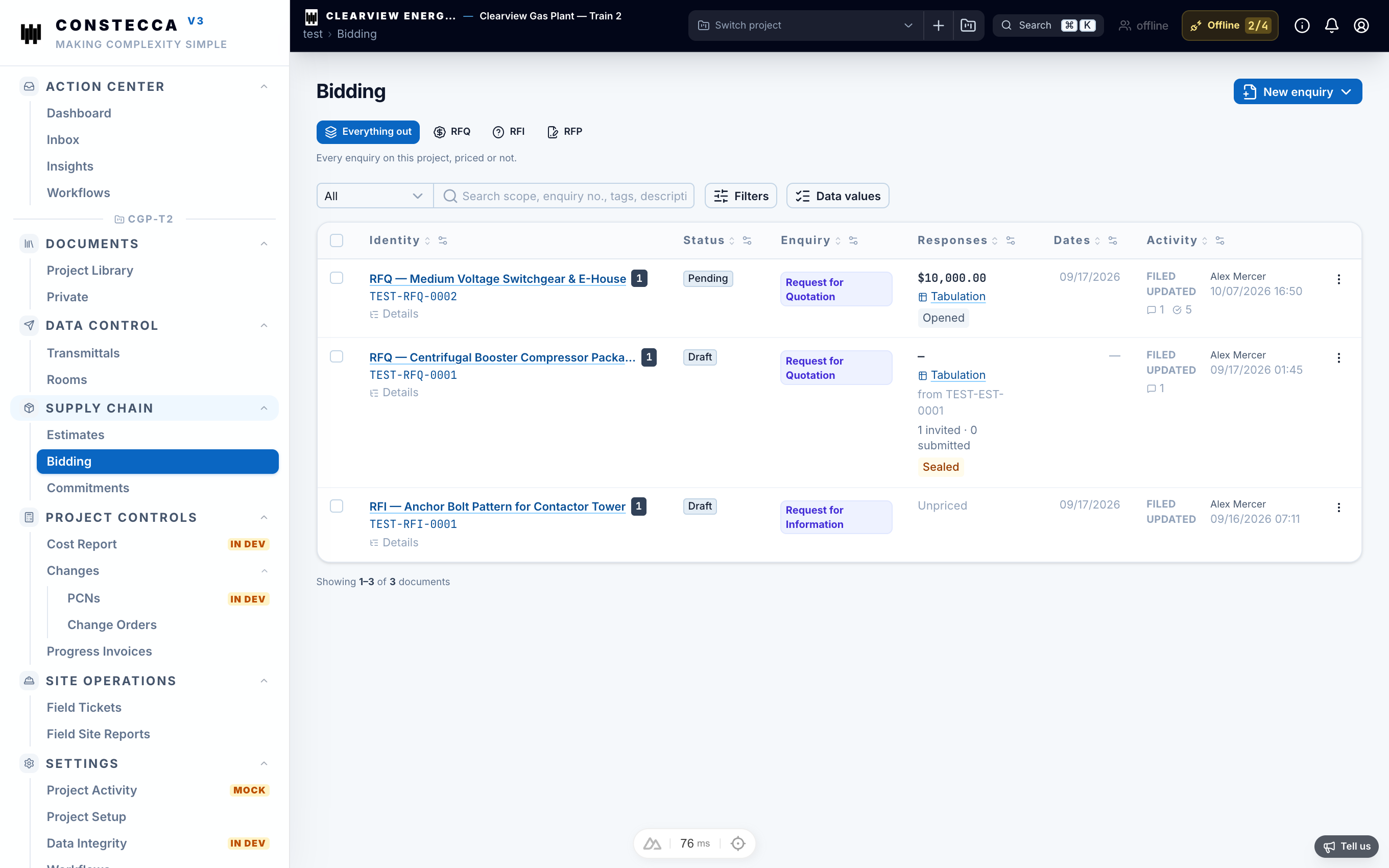
Bidding is how you ask suppliers for prices and pick a winner. Each round starts with an enquiry.
Choose the enquiry type
Create an enquiry
Start the enquiry
Go to Supply Chain › Bidding and click New. Or open an estimate and click Raise an enquiry to copy its company, title and schedule of items.
Set the details
Enter the title, the scope lines and the date responses are due.
Invite bidders
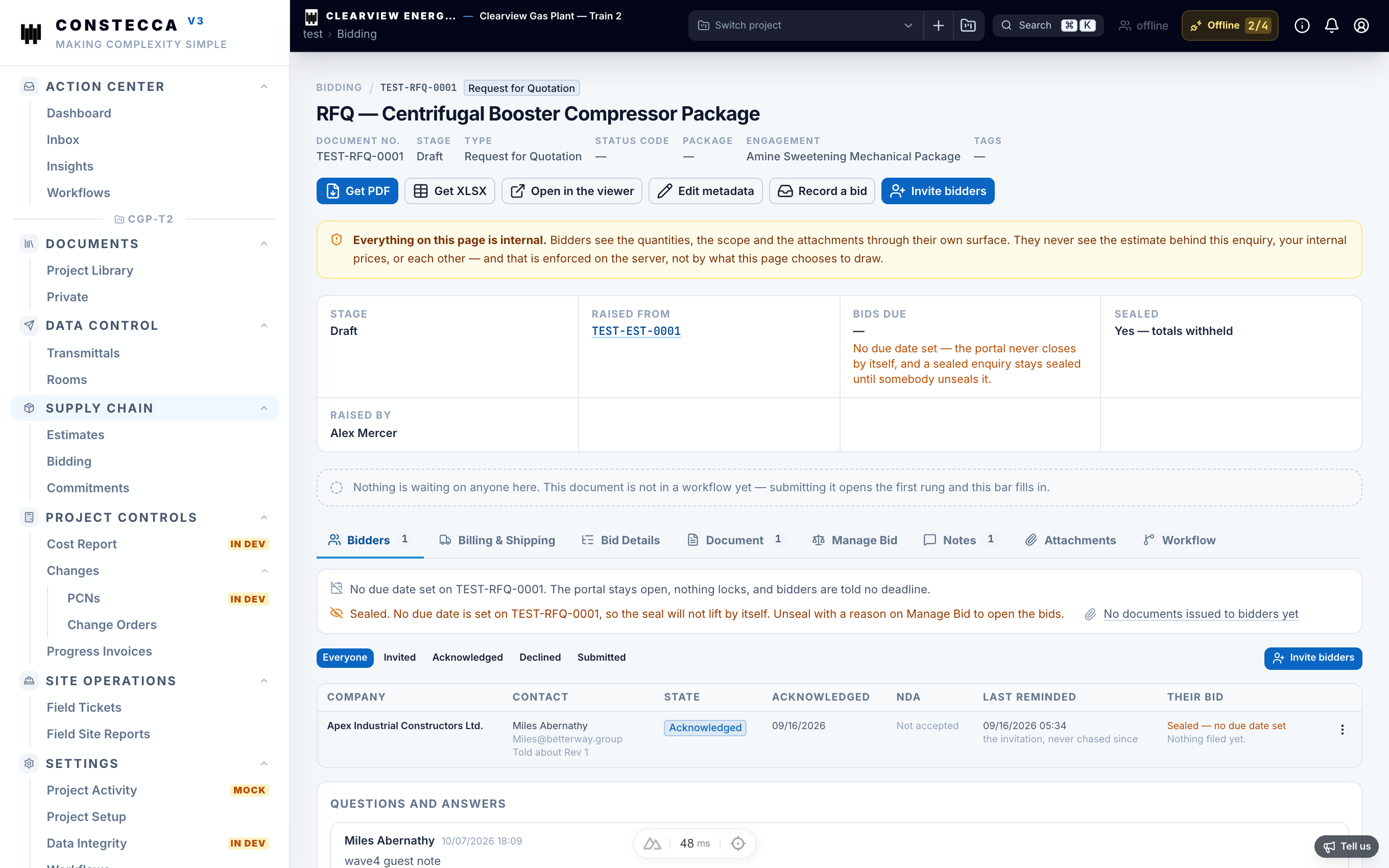
Add the supplier companies and the contacts who should respond. Each contact receives an email with a link to the enquiry. The link stays valid for 14 days.
Invited suppliers work as guests. They see the enquiry, its lines and its attachments, and they enter their prices in a bid form. See Respond to a bid invitation.
Sealed bids
Bids stay sealed while the enquiry is open. A sealed bid is hidden from people who do not manage the enquiry.
Know when a bid comes back
Every returned bid sends a notification to the people on the enquiry. It appears in their Action Center and, where email is on, in their inbox.
Compare bids
The bid tab lists each supplier's totals beside the enquiry value. A supplier may price some lines in another currency. In that case the tab shows their totals per currency and does not rank across currencies.
Award the work
Pick the winning bid and click Award. The app creates a commitment from it, with the supplier's company and lines. You need manage rights on the enquiry to award it.