
Your guest home
After you sign in, Constecca opens your guest home. It shows only what the project team has sent to you or asked of you, and what you have sent them. You never see the team's full document register.
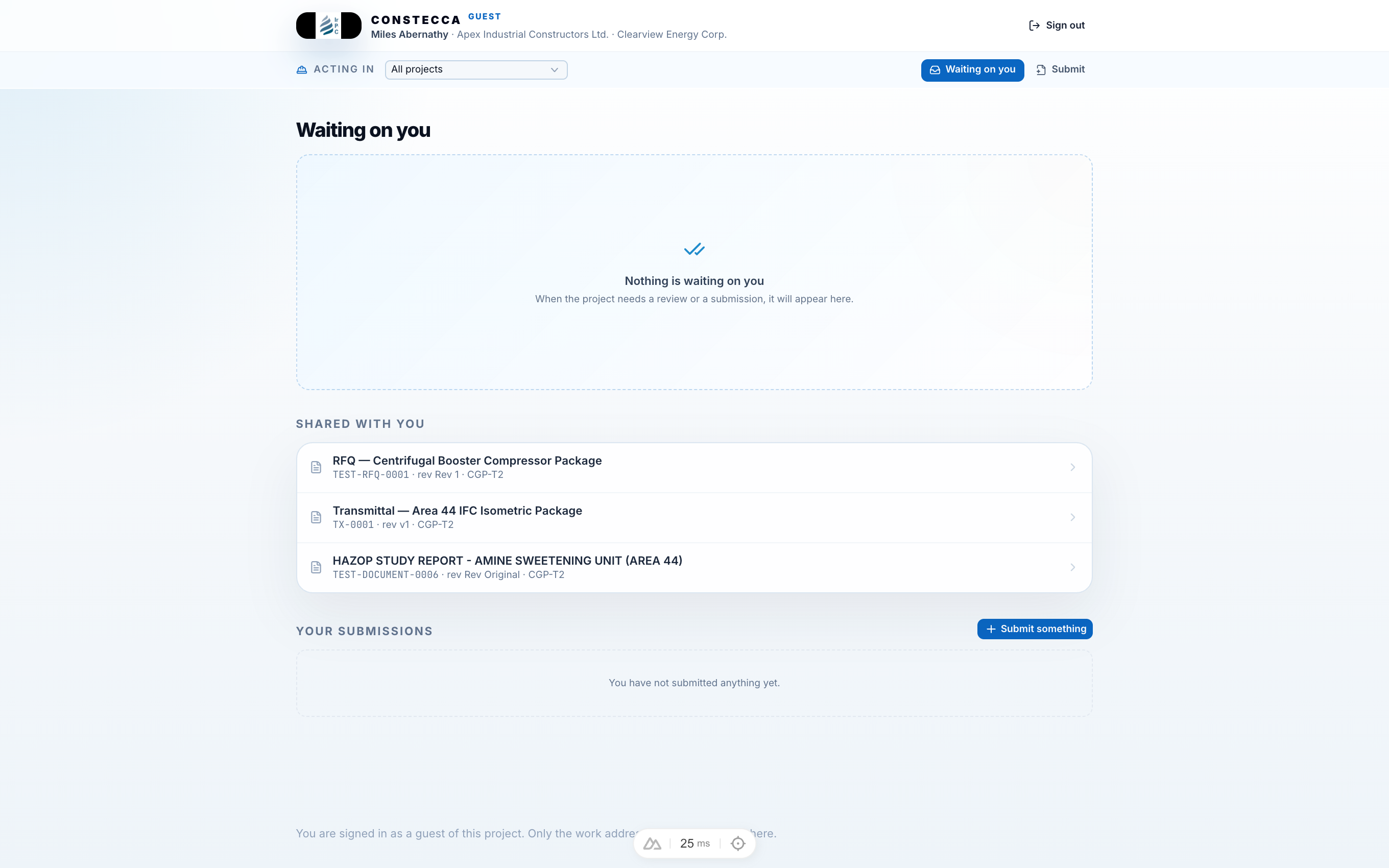
The header
The top of every guest page shows your name, the company the project knows you by, and the workspace you are working with. Sign out is on the right.
The row below it holds three things:
What is on the page
The page lists your items in this order, so whatever is waiting on you comes first.
You are asked to quote on
This section appears only when a project team has invited you to quote. Each enquiry shows its code, its type, the project, its due date and your status: invited, acknowledged, submitted, declined or closed. A sentence under it says what you need to do next, for example to acknowledge the enquiry or to price the schedule.
Click Open enquiry to work on it. Once an enquiry has closed, the button reads Read, and the enquiry opens read-only. See Respond to a bid invitation.
Waiting on you
This section lists anything the project team has asked you to act on. When there is nothing, it shows Nothing is waiting on you.
Shared with you
The documents the project team has shared with you, such as transmittals and the files they carry. Each row shows the document's title, code, revision and project. Click a row to open it. See Open a shared document and Receive a transmittal.
An enquiry you are invited to quote on is listed under You are asked to quote on instead, not here.
Your submissions
What you have sent the project: your bids and your questions. The table shows each one's Number, What it is, its Value, its State and the date it was Sent. Click Submit something to send a new question.